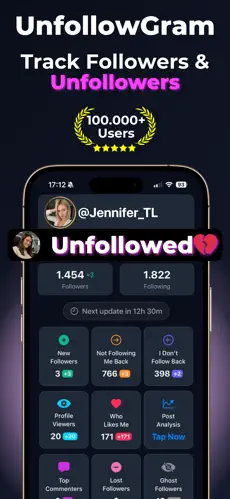
Instagram intentionally hides unfollow activity. The platform notifies users about new followers, likes, comments, and mentions, but not unfollows. This design decision means the only way to detect lost followers is through external comparison tools that track your follower list over time.
Unfollows as Audience Feedback
A sudden spike of 30-50 unfollows after a specific post is direct audience feedback. A gradual decline of 10-15 unfollows per week after changing content format suggests the new approach is not connecting with existing followers. Without unfollow data, these signals are invisible. All that is visible is a slowly declining follower count with no explanation attached.
Common Reasons Accounts Unfollow
Feed cleanup is the most frequent reason. Instagram's algorithm deprioritizes content from accounts a user does not engage with, so followers who never interacted may eventually unfollow accounts they no longer see. Other causes include expired follow-for-follow exchanges, content disagreements, shifts in personal interests, and periodic "digital detox" unfollowing sprees.
The follow/unfollow tactic accounts for a measurable portion of unfollows on accounts with 1,000-50,000 followers. These accounts follow to trigger a follow-back, then unfollow days later. An unfollow tracker with timestamp data exposes this pattern because the same accounts appear repeatedly.
When Losing Followers Improves Your Account
Accounts that lose inactive or bot followers typically see their engagement rate increase because the metric divides total engagement by total followers. Fewer followers with the same engagement equals a higher percentage. For accounts pursuing brand partnerships, engagement rate often matters more than raw follower count.
Limitations of Unfollower Detection
No external tool can tell you why someone unfollowed. The data shows who and when, but the reason is always an inference. Unfollower detection also cannot distinguish between an account that voluntarily unfollowed and one that was suspended or deleted by Instagram. Both appear as a missing follower in the comparison. Tracking begins from the first scan; there is no way to retrieve unfollower data from before that point.