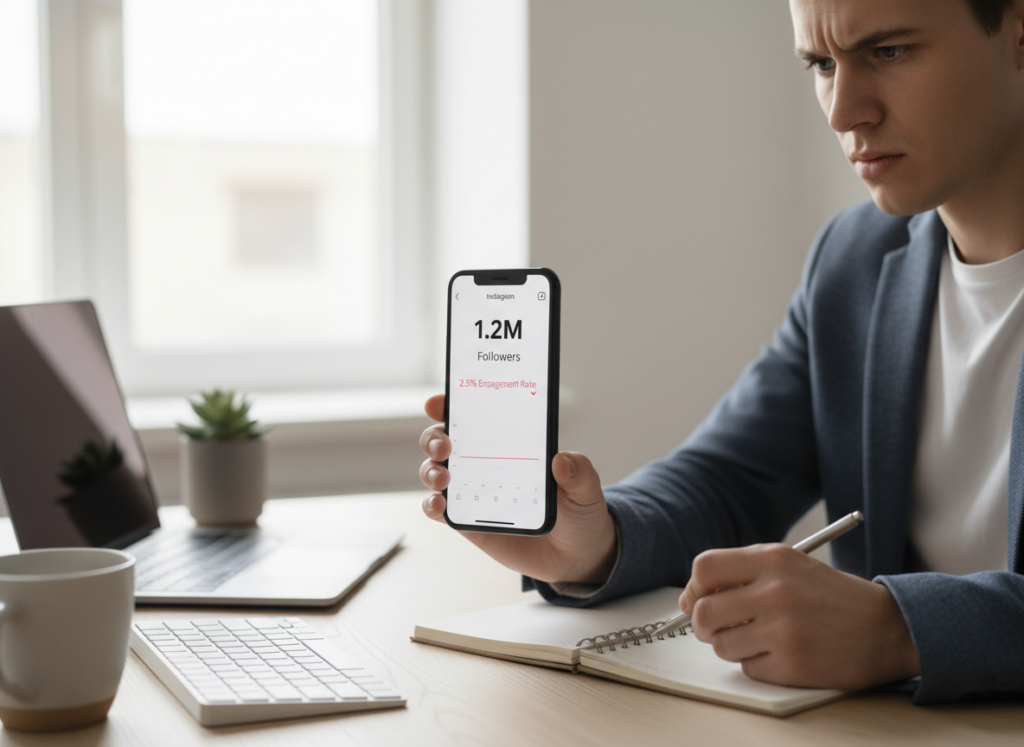
Instagram Ghost followers are the people or accounts that hit follow and then never do anything, and over time, they usually chip away at your reach. If you want your engagement to bounce back, and honestly get better recommendations in 2026 too, here’s the play: figure out who’s just sitting there, kick out the worst ones, and try not to bring in more ghosts to begin with.
I’ve tested ghost-follower cleanup on multiple creator accounts and a couple of business profiles (some small, some painfully big). When you do it right, you don’t just “feel” better. You usually see your engagement rate stop bleeding, and your content gets a fairer test in the feed again. And yeah, I used to check this stuff like five times a day. Not proud of it.
What “ghost followers” really means, and what it doesn’t. Most of the time, it’s just inactive real people who followed you ages ago, and now they pretty much never open Instagram.
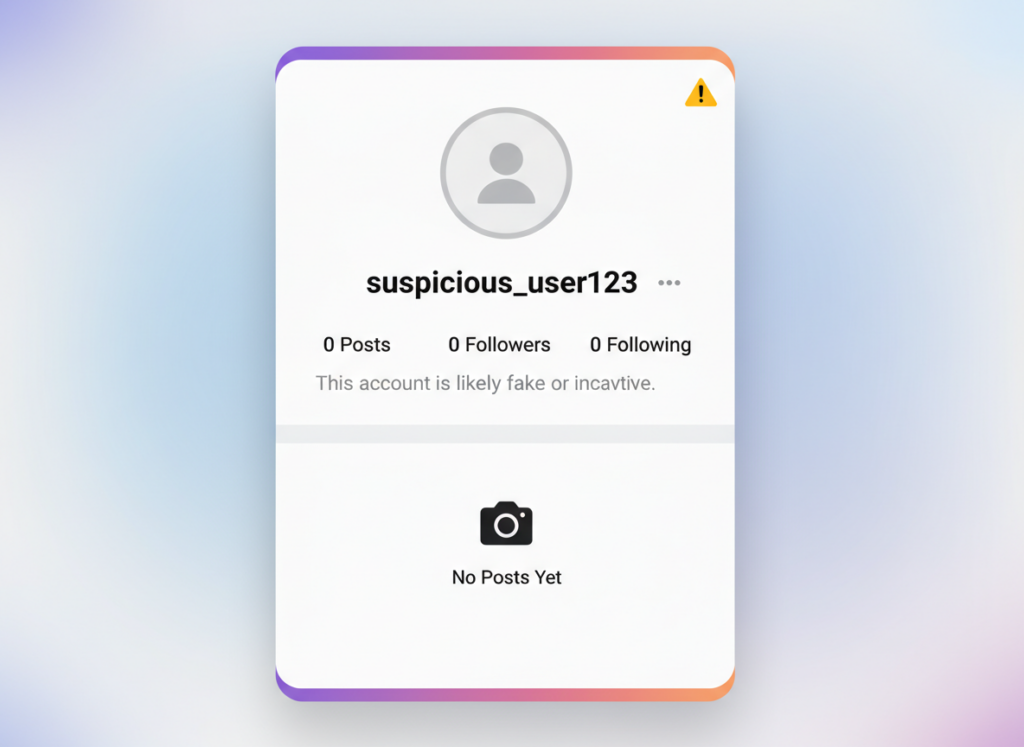
Fake accounts (botted, purchased, or auto-created) that follow a ton of people and do nothing.
Engagement-free lurkers who watch Stories sometimes but never like/comment/save/share.
What it’s not: someone who didn’t like your last post. One quiet week doesn’t make someone a ghost. The pattern matters. Also, “ghost” doesn’t automatically mean “bad person” or “spam.” Some legit followers never tap like. They just scroll and vanish. Still counts as a weak signal for the algorithm though.
Why ghost followers matter a lot more in 2026
Instagram’s recommendation system has gotten way more “intent-based” this year, and the test window for content visibility is shorter. That means your post gets shown to a slice of people fast, and if those people scroll past without doing anything, your reach can drop immediately.
Ghost followers are basically a bunch of “nope” signals.
I’ve seen accounts with a high inactive ratio get absolutely punished after posting consistently for weeks. Same content quality, same creator. But the audience was loaded with ghosts, so the early performance looked weak, and the post never got a second chance.
And here’s the annoying part: you can do everything “right” (hooks, captions, hashtags, whatever) and still feel stuck because your audience is half asleep.
How ghost followers hurt you (the real-world version)
People talk about “engagement rate” like it’s some vanity stat. Look, the reason this matters is simple: low engagement makes Instagram less confident in pushing your content.
- Your reach gets capped early because the first batch of viewers doesn’t react.
- Your content decisions get distorted (you think the topic is bad when the audience is just inactive).
- Brand deals can get awkward if your follower count looks strong but performance looks weak.
- Your community feels quieter, which makes posting feel pointless. I’ve been there. It sucks.
One more: ghost followers can inflate your “follower growth” while your actual sales, clicks, and DMs stay flat. That’s when people start doing desperate stuff like buying followers to “fix it,” and that’s how accounts get permanently weird.
How to see ghost followers on Instagram (what you can do inside the app)
Instagram doesn’t give you a clean “ghost follower list.” Nope. You’ve got a few options, but it’s not like Instagram makes this easy. You can scroll your follower list and look for the obvious fakes, like zero posts, a weird random username, a spammy bio, following 7,500 people.Use Insights to spot patterns like declining reach, low shares/saves, and weak early engagement.Review Story viewers over time. This is messy, but you’ll notice “always watching, never engaging” accounts.
Manual works for small accounts. Once you’re past a few thousand followers, it turns into a part-time job. More times than I wanna admit, I’ve scrolled a follower list at midnight like it was going to reveal the meaning of life.
How it works (the practical way tools detect ghost followers)
Most tracker tools work by taking snapshots of your follower list and activity signals, then comparing changes between checks. They’ll usually flag accounts that match common ghost patterns: no profile pic, no posts, extreme following ratios, no recent activity, and zero interaction with your content (depending on what data they can access).
Here’s the thing nobody talks about: these tools don’t have magical access to “who watched and didn’t care.” They’re mostly pattern detectors plus change tracking.
And that’s usually fine. It’s just how it is.
The fastest way to find Instagram ghost followers (what I actually do)
If the goal is transactional, like “I want this cleaned up,” I do it in two passes: obvious fakes first, then low-value inactives second. Keeps you from nuking real people who are just quiet.
Pass 1: Identify obvious fake accounts
- No profile photo, no posts, weird bio links, random strings of characters
- Following thousands, followed by almost nobody
- Usernames that look auto-generated
- Same comment spam on other accounts (you’ll recognize them)
On larger accounts, this process tends to take longer and sometimes requires multiple attempts because you’ll hit action limits if you go too fast. If you’ve never triggered Instagram’s “Try Again Later” message, you’re more disciplined than me.
Pass 2: Spot “inactive but not obviously fake” ghosts
- Accounts that haven’t posted in ages
- Profiles that never appear in likes/comments across multiple posts
- Followers who feel “dead” across your content series (no saves, no replies, no anything)
And yes, it’s normal to find a surprising chunk. Especially if you did any giveaway campaigns, follow-for-follow back in the day (we’ve all sinned), or had a Reel go viral to the wrong crowd.
Step-by-step: Remove ghost followers without nuking your account
If you wanna do this safely, do it like you’re cleaning a closet, not demolishing a building.
- Start with the obvious fakes (0 posts, spammy usernames, bot vibes). These are low-risk removals.
- Remove in small batches. Think 10–30 at a time, then take a break. Instagram doesn’t love aggressive actions.
- Prioritize accounts that look purchased or automated. If you ever bought followers in the past, you’ll recognize the style.
- Don’t block everyone. Removing a follower (if available to you) is usually enough. Blocking is heavier and can trigger more friction.
- Re-check after 48–72 hours and keep going. Your list changes constantly, and you’ll spot patterns the second time.
- Track your engagement trend (reach, saves, shares) over the next 2 weeks. That’s the real scoreboard.
I’ve noticed results vary quite a bit depending on when you check. Mornings tend to look “cleaner” for some accounts, while late-night checks can show more weird spam waves. No idea why, but it’s been consistent for me across different niches.
Should you delete ghost followers on Instagram?
Usually, yes. But not all at once.
If you’re a creator or business relying on engagement to drive reach, ghost followers are dead weight. Getting rid of the obvious fakes is almost always a win. Removing quiet real followers is more nuanced: sometimes they’re dormant now, but they’re still your target customer later.
So yeah, go after the fakes aggressively. Be selective with the “inactive but real-looking” ones.
And if you’re mid-launch or running ads, I’d wait until the campaign ends. Changing your audience composition while you’re measuring performance can make your data annoying to interpret.
Tools that help (and what I’ve seen actually hold up)
Instagram changes things constantly, so tracker apps break. A lot. The thing most people don’t realize is that API shifts and login protections have wrecked tools that used to work perfectly, and it happens without warning.
Here’s how I’d think about tools in 2026: use them for direction, not as a courtroom verdict.
What to look for in a ghost follower tool
- Clear “ghost” criteria (so you know why someone is flagged)
- Change tracking (so you can compare week to week)
- Export or list management (so you’re not stuck screenshotting like it’s 2017)
- Stability after Instagram updates (this matters more than fancy charts)
Quick comparison (based on what I’ve seen people use)
- Followers+: solid ghost detection and exports, but the subscription can feel steep if you only check occasionally.
- IG Followers Tracker Reports: decent trends and “top fans” style lists, but I’ve seen it get inconsistent right after Instagram rolls out changes.
- FollowMeter: simpler, cheaper, and good enough for many accounts, especially if you just need a basic ghost scan.
After testing across different account types, the free versions (when available) actually cover most use cases for a first cleanup. The paid tier becomes worth it when you’re managing multiple accounts, or you need ongoing tracking because you run promotions a lot.
Where UnfollowGram fits in (and why I still recommend it)
If your goal is to keep your growth “clean” long term, you don’t just want a one-time ghost purge. You want to see follower changes and spot patterns before the rot spreads.
That’s where UnfollowGram is handy: it’s built for tracking follower changes, seeing who doesn’t follow you back, and identifying the kind of followers that never interact. Simple. No fluff.
If you’re actively managing a creator account or doing client work, it’s the difference between guessing and knowing. If you wanna keep an eye on your follower quality without obsessing, try Instagram Follower Tracker.
Mistakes I see constantly (and they’re painful)
- Buying followers “just to start”. Hate that advice. Useless. Those followers turn into ghosts that poison your early performance.
- Doing a massive removal spree and hitting action limits. Then they panic when Instagram blocks actions for 24–48 hours.
- Trusting any tool blindly. Tools flag false positives. Always spot-check before removing real-looking accounts.
- Ignoring content fit. If you went viral to the wrong audience, you’ll collect ghosts even if they’re real people.
- Over-focusing on “likes” while ignoring saves, shares, DMs, and Story replies. In 2026, those deeper actions tend to correlate with longer reach tails.
- Never re-checking. Ghosts come in waves. Giveaways and shoutouts can spike them overnight.
- Chasing the wrong format. Everyone screams “Reels only,” but I’ve seen carousels outperform Reels for steady engagement when the audience is already warm.
Honestly? I still mess this up sometimes. I’ll see a follower spike, get excited, then realize a chunk of it is junk. Happens.
Limitations and caveats (so you don’t get sold a fantasy)
This method won’t tell you the exact moment someone became inactive, only that they look inactive based on patterns between checks. And no tool can perfectly read “silent interest” vs “dead account,” especially if someone watches without leaving obvious engagement.
One more caveat: some detection and removal flows vary depending on whether your account is private, your region, and which Instagram features you currently have. Your mileage may vary here, especially on very large accounts where Instagram is extra sensitive to repetitive actions.
How to prevent ghost followers from coming back
Removing ghosts is one-half. The other half is not attracting them again.
Do this more
- Build repeatable content series (same theme weekly). Real followers stick when they know what they’re getting.
- Write a profile that filters: clear niche, clear promise, no vague “lifestyle” fluff unless you’re already famous.
- Ask for a specific action that isn’t just “like.” Ask for saves, replies, or “DM me the word X.”
Do this less
- Giveaway mechanics that attract freebie hunters (tag 3 friends, follow 10 accounts, etc.). That crowd turns into ghosts fast.
- Follow-for-follow. It pads numbers and empties your engagement. Same story every time.
- Random viral bait that has nothing to do with your niche. You’ll get followers, sure. They won’t care next week.
Whatever else, one unfollow can’t shake your whole foundation. What matters is whether your audience is made of people who actually want what you post.
FAQ: Instagram ghost followers
How to get rid of ghost followers on IG?
Remove the obvious fake accounts first, then prune inactive followers in small batches so you don’t trigger action limits. A tracker tool can help you find patterns faster, but you should still spot-check before removing.
Should you delete ghost followers on Instagram?
Deleting obvious fakes is almost always worth it because they drag engagement without adding value. For real-looking but inactive followers, be selective since some are quiet customers or returning viewers.
How to see ghost followers on Instagram?
Instagram doesn’t provide an official “ghost list,” so you’ll need to manually review followers or use a tracker that flags suspicious/inactive patterns. The most reliable approach is looking for repeated non-engagement over time, not one quiet post.
What does “ghost followers” mean on Reports+?
In Reports+ style apps, “ghost followers” usually means accounts flagged as inactive or non-engaging based on their activity signals and profile patterns. It’s a heuristic, not a guarantee, so expect occasional false positives.
Wrap-up (and what I’d do if this were my account)
If you’re serious about growth in 2026, cleaning up Instagram ghost followers is one of the least glamorous things that actually moves the needle. Remove the obvious fakes, go slow with the inactive-but-real followers, and track your engagement trend like an adult, not your mood after one post.
And if you want a simple way to keep tabs on follower changes so you’re not guessing, try the Follower Tracker App. It makes this whole process way less chaotic.

