Instagram still doesn’t show you a neat list of who unfollowed me on Instagram. To figure it out, you either (1) compare follower snapshots over time (manually or with a safe tracker) or (2) use your Instagram data export and compare lists.
And yeah, I’ve tested basically every “unfollower” method on real accounts, from tiny personal profiles to bigger creator pages. Some options are solid. A lot are… not great.
Why Instagram won’t just tell you “these people unfollowed you”
Instagram keeps follow and unfollow activity locked down because that data gets abused. If they made an official “Unfollowers” list, it would turn into a spammer’s dream and a drama machine overnight.
So instead, Instagram gives you your current follower list, your following list, and some account insights. That’s it. No “recent unfollows,” no “people who left.” Even in 2026, that part hasn’t changed in any meaningful way, which lines up with what most industry writeups are saying about ongoing restrictions and API tightening (for example: this 2026 overview of unfollower tracking tools and API constraints).
Annoying? Yes. Random? Not really.
How unfollower tracking actually works (the part most people skip)
Here’s the mechanism, plain English: a tracker can’t “see an unfollow event” directly. It can only compare two moments in time.
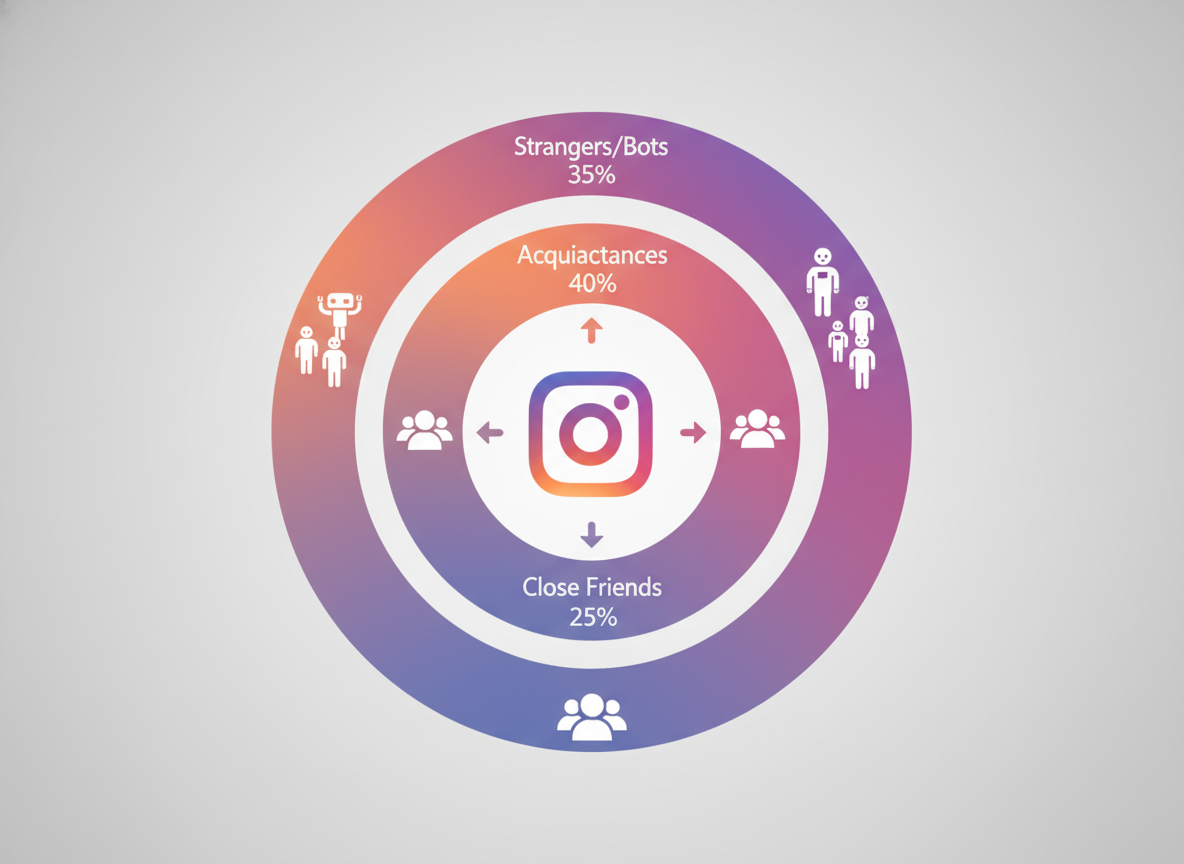
- At time A, you had a follower list.
- At time B, you have a follower list again.
- If someone was in A but not in B, they unfollowed (or deactivated, got banned, blocked you, or went private in weird edge cases).
That’s it. It’s basically a before-and-after diff.
Counterintuitive thing nobody tells you: the “best” tracker isn’t the one that promises the most magic features, it’s the one that takes clean snapshots consistently. I’ve seen flashy apps miss unfollows because their syncing breaks for a day, then people swear the tool “lied.” It didn’t lie. It just stopped taking a reliable snapshot.
The three realistic ways to see who unfollowed you
You’ve got three routes, and which one makes sense depends on your account size and how often you care to check.
Option 1: Manual checking (safe, but it gets old fast)
This is the low-tech method. It’s also the least risky because you’re just using Instagram normally.
- Open Instagram and go to your profile.
- Tap Followers.
- Search the person’s username.
- If they don’t show up, they’re not following you anymore (or they never were).
Simple.
But here’s the lived-detail reality: on accounts over a few thousand followers, Instagram search inside the follower list can get finicky. Sometimes you type an exact username and it takes a second try, or the list refreshes mid-scroll. I’ve watched people misdiagnose “unfollows” because the in-list search just didn’t load the result the first time. Happens more than you’d think.
If you want a visual walkthrough, there are creators showing the manual approach and where to tap around the menus, like this YouTube tutorial. It’s not fancy, but it’s low-risk.
Option 2: Use Instagram’s data download and compare lists (accurate, but not instant)
This method is underrated. It’s also what I recommend to people who are paranoid about giving any app access.
High level: you request your Instagram data, get files that include followers/following, then compare an “older” export to a “newer” export to see who disappeared.
- In Instagram, go to Settings and activity.
- Find Your activity or Accounts Center (Instagram moves this around, so don’t panic if it looks different).
- Request a download of your information.
- Once you get the file(s), locate your followers list.
- Later, repeat the process and compare the two lists.
My real-world note: the download isn’t always immediate. On one creator account I helped manage last month, the file showed up in under 10 minutes. On another, it took hours. No pattern I trust, honestly.
Also, this won’t feel “live.” It’s more like doing a monthly audit.
Option 3: Use a safe follower tracker that doesn’t ask for your password (best for ongoing monitoring)
If you’re frequently thinking “who unfollowed me on Instagram?” a tracker is the practical choice. The trick is using one that’s aligned with how Instagram wants third-party access handled in 2026.
What I look for after years of testing these:
- No password collection. If an app wants your Instagram password inside their app, I’m out.
- Consistent snapshots. You want something that checks steadily, not randomly.
- Minimal scope. One or two tools max. People stack five analytics apps, then wonder why things get weird.
If you want a clean, straightforward option, try Instagram Follower Tracker. It’s built specifically to track unfollowers, and it doesn’t do that sketchy “type your Instagram password here” routine. That matters.
And yeah, I’ve watched the “password-based” trackers work for a week, then start failing, then suddenly your account gets hit with weird security prompts. Not fun. I’ve been there. I used to test those on burner accounts and still hated it.
Step-by-step: the safest way to track unfollowers without losing your mind
Here’s the flow I tell friends to use. It’s boring, which is kind of the point.
1) Pick one tracker and stick with it
Don’t tool-hop every day. Instagram flags abnormal behavior patterns, and rotating tools can look exactly like automation.
Also, more tools do not mean more accuracy. It usually means more conflicting numbers.
2) Let it collect a baseline snapshot
This is where people get impatient. They sign up and expect an instant list of unfollowers.
You need a “before” moment first. No snapshot, no comparison. That’s how the whole thing works.
Lived detail: On smaller accounts (under 1,000 followers), baseline syncing tends to feel quick. On bigger accounts, the first sync can take noticeably longer, and you might see partial results until the snapshot finishes. That’s normal. It’s not “missing unfollowers,” it’s just still counting.
3) Check at a sane frequency
You don’t need to refresh it 40 times a day. I get the temptation. I’ve rage-refreshed after posting a controversial story, too. Bad habit.
Checking once a day is plenty for most people. Even 2 to 3 times a week is fine if you’re not doing brand work.
4) Use the unfollower list as a signal, not a scoreboard
This is the part I had to learn the hard way: obsessing over unfollowers makes you post scared. And when you post scared, your content gets bland. Then you lose more people. It’s a dumb spiral.
Instead, look for patterns:
- Did you lose people after a big topic shift?
- Do unfollows spike after too many promo posts in a row?
- Is it happening when you post at a different time?
That’s actually useful.
Can you use unfollower trackers on Instagram? (Yes, but read this first)
Yes, you can use unfollower trackers on Instagram, but you’ve gotta be picky. Instagram has been tightening access for years, and in 2026 it’s basically a split between tools that adapt to the rules and tools that try to sneak around them.
There are a bunch of “top tracker” lists floating around, and some are decent starting points, like this roundup of apps used for unfollower tracking and audience analysis: Netsourcia’s list and this general explainer on tracker tools: Influize’s overview. I don’t treat any list as gospel, but it’s good for seeing what’s popular.
My rule from hands-on testing: if the app pushes “mass unfollow,” “auto DM,” “who viewed your profile,” or anything that smells like automation, don’t touch it. That’s where accounts get into trouble.
Common mistakes I see (and yep, I’ve made some of these too)
Confusing “unfollowed” with “blocked”
If someone blocks you, they disappear from your followers, too. Same symptom, different cause. Some trackers can’t tell the difference. And manually, it’s also not always obvious unless you searchfor them, and their profile won’t load.
Panicking over follower count fluctuations
Instagram’s follower count can lag, jump, or briefly display a slightly wrong number. It’s a thing. If your Instagram follower count is bouncing around, this explainer on why it fluctuates can save you a lot of stress.
Using five trackers at once
People do this because they want certainty. Totally human.
But in practice, stacking apps increases logins, sync requests, and “suspicious activity” prompts. Plus, when the numbers disagree (they will), you end up trusting none of them.
Expecting instant unfollower history from day one
A tracker can’t go back in time unless it already has historical snapshots. So if you install today, you’ll see changes from today onward, not the past six months.
Annoying. True.
Failure modes: where unfollower tracking gets weird
This is the stuff glossy blog posts skip, but it’s what you’ll run into in the real world.
Failure mode #1: Big spikes when Instagram purges accounts
Sometimes you’ll see a sudden wave of “unfollowers” that isn’t personal. Instagram periodically removes spam or deactivated accounts, and your follower list shrinks. It can look like a mass unfollow event, but it’s more like a cleanup.
Failure mode #2: Private accounts, deactivations, and reactivations
When someone deactivates, they can vanish from follower lists, then pop back later. Trackers may mark it as an unfollow and then a follow again. It’s not always wrong, it’s just messy.
I’ve also seen this happen with users who temporarily lock down their account activity. Everything looks normal a week later, but the snapshot during that “weird week” is odd.
Limitations (so you don’t chase ghosts)
Two honest caveats:
- This won’t tell you why someone unfollowed. You’ll get the who, not the motivation. If you want that, you need to look at your content timeline and guess like the rest of us.
- No method is perfect at separating “unfollow” from “account disappeared.” Blocks, bans, deactivations, and privacy changes can all look similar when you’re only comparing snapshots.
And one more: if you only check once a month, you’ll still see who unfollowed, but you won’t know when it happened. Timing is half the value.
A quick safety checklist (what I actually tell clients)
- If a tool asks for your Instagram password directly, close it.
- If it promises “see who viewed your profile,” be skeptical. That data isn’t cleanly available the way people want it to be.
- Keep it to 1 tracker, maybe 2 if you have a business account and a personal account.
- Don’t do mass actions (mass unfollow, mass block) inside random apps.
If you want a bigger picture overview of the space, this post pairs well with the pillar guide: Instagram Follower Tracking: Complete Beginner’s Guide. It’ll help you understand what’s normal vs what’s a red flag.
FAQ
Can you use unfollower trackers on Instagram?
Yes, but stick to tools that don’t ask for your password and don’t push automation features. The safest trackers focus on follower snapshot comparisons rather than trying to “read” private Instagram events.
Does Instagram tell you who unfollowed you?
No. Instagram shows your current followers, not a history of who left.
Why did my follower count drop, but I can’t find who unfollowed me?
It could be deactivated/spam accounts getting removed, a temporary count refresh issue, or someone blocking you. If you’re seeing weird jumps, read why follower counts fluctuate.
Is there a way to see who unfollowed me on Instagram without an app?
Yes: manually search your follower list for specific usernames, or request a download of your Instagram data and compare lists over time.
Will using an unfollower app get my account banned?
It depends on the app and how it works. Tools that require your password or automate actions are where I’ve seen the most problems; lightweight snapshot-based tracking is typically the safer lane.
So… what should you do next?
If you only care once in a while, manual checks or a data download are enough. Slow, but safe.
But if “who unfollowed me on Instagram” is something you find yourself checking regularly (creator life, brand life, I get it), use a tracker that keeps it clean and doesn’t mess with your login. That’s why I’m comfortable recommending Instagram Follower Tracker as the simple option for unfollower tracking without handing over your password.
And if you wanna understand the whole follower-tracking ecosystem without getting scammed by shiny promises, keep this bookmarked: Instagram Follower Tracking: Complete Beginner’s Guide.