
Instagram Insights is great for answering “what happened” (reach, plays, profile visits, basic follower stats). It’s not great at answering “why it happened” or “who specifically did it,” which is exactly what Instagram insights does not show and why creators end up confused.
I’ve run Insights side-by-side on small creator accounts and bigger brand accounts, and the pattern is always the same: the higher the stakes, the more obvious the blind spots. Insights gives you surface-level performance data, but it skips the stuff you actually want when growth gets weird, reach drops, or people start quietly unfatlollowing.
Below is what Insights tracks well, what it misses (the sneaky part), and how I diagnose problems when the numbers don’t line up.
TL;DR: Instagram Insights provides useful surface-level performance data like reach and interactions but falls short on answering the deeper “why” behind those numbers. It lacks specifics on who unfollowed and when, leaving creators puzzled, especially as stakes rise. For true growth analysis, users may need to look beyond Insights for more detailed behavioral insights.
What Instagram Insights actually tracks (the stuff it’s good at)
Instagram Insights is basically a built-in dashboard that summarizes performance across your content and audience. The numbers aren’t useless. They’re just… incomplete.
Content performance: reach, plays, and interactions
You’ll typically see metrics like:
- Accounts reached / viewers (Instagram has been shifting labels here, so you might see slightly different wording)
- Reels plays and engagement (likes, comments, saves, shares)
- Post interactions and profile activity (profile visits, website taps, etc.)
Lived detail: on accounts that post Reels daily, I’ve noticed Insights can look “stale” for a few hours after posting, then suddenly update in chunks. That delay is normal. It still freaks people out every single time.
Audience basics: who follows you (in broad strokes)
Insights does a decent job at:
- Follower growth over time
- Top locations and age ranges
- Most active times (helpful, but not magic)
And yes, some accounts now get more granular demographics at the post level. That’s a real improvement. It still doesn’t solve the biggest “why” questions, though.
How Instagram Insights works (why it feels limited)
Here’s the mechanism behind the frustration: Insights is an aggregate reporting tool, not a behavioral audit log.
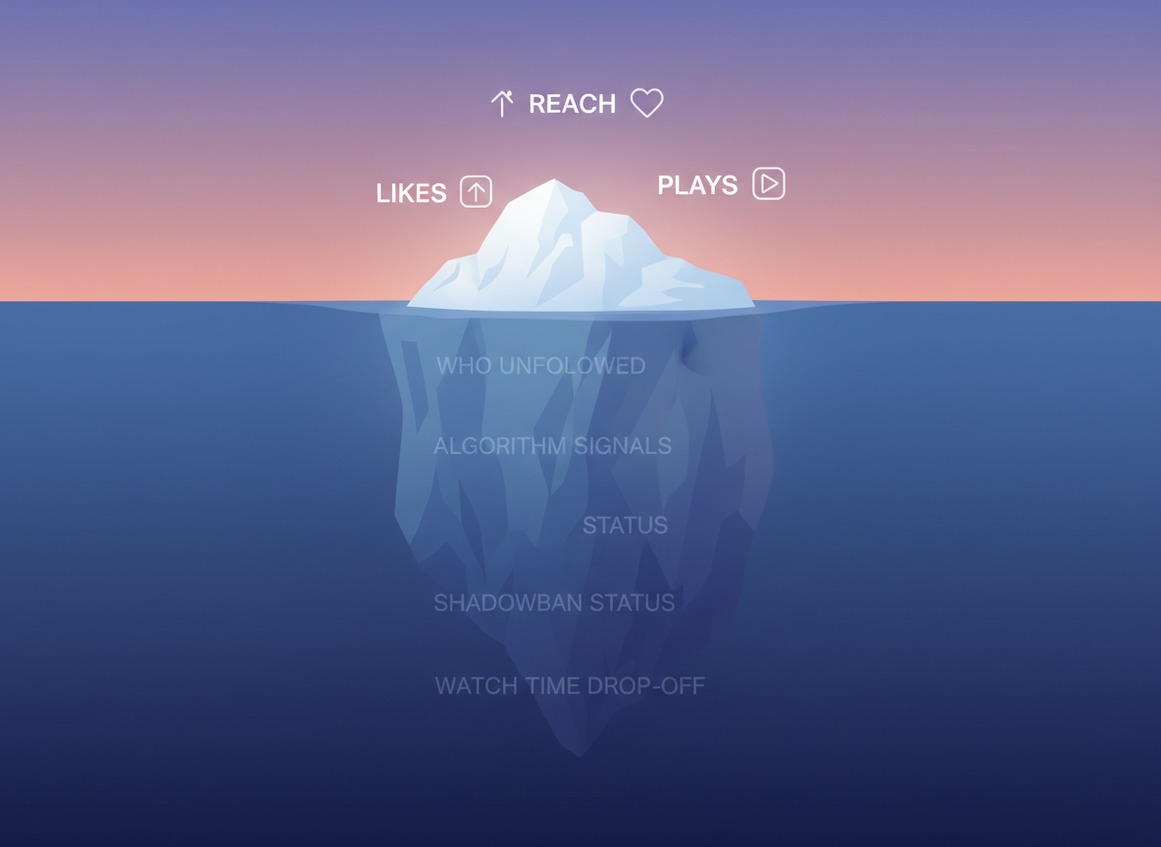
Instagram rolls events up into summaries (views, reach, interactions) and then applies privacy rules, spam filtering, and recommendation eligibility rules before you ever see the final numbers. That’s why you can feel like your post “did well,” yet it never shows up on Explore, or it gets tons of likes from followers but almost no non-follower reach.
Another lived detail: on larger accounts, it’s common to see “non-follower reach” bounce around wildly between similar posts, even when the creative is consistent. I’ve seen it happen just because the post landed in (or missed) recommendation eligibility windows.
What Instagram Insights does not show (the gaps that matter)
This is the part everyone searches for. And honestly, it’s where native Insights stops being enough.
1) Exactly who unfollowed you (and when)
Insights tells you net follower change. It won’t tell you the names of the people who left, or the exact moment it happened.
If you’ve ever had that “I swear I lost 20 followers overnight” feeling, that’s why: net change hides the churn. For a deeper breakdown, this is the rabbit hole: whether Instagram Insights can show unfollowers.
2) True competitor intelligence (beyond the basics)
Instagram has been experimenting with light competitor comparisons (think: a small set of similar accounts and a few headline metrics). But you still don’t get:
- Competitor engagement rate trends over time
- Audience overlap (are you fighting for the same people?)
- Content themes that reliably pull them into Explore/Reels recommendations
Real talk: most creators who are past the “posting for fun” stage end up using external analytics for this. Metricool is one of the better references for understanding platform limits and performance constraints: Instagram limits and pacing benchmarks.
3) Algorithm categorization and ranking signals
Since late 2025, Instagram has made “Your Algorithm” more visible so you can tweak preferences. Nice. But you still can’t see the label Instagram internally attaches to your content, or the ranking inputs that are holding you back.
You’d think “Your Algorithm” would show you, “Hey, we’re classifying you as X so we’re pushing you to Y audience.” It doesn’t. Weirdly opaque.
If you want a clearer mental model of what the algorithms are trying to do (not what creators wish they did), Buffer and Hootsuite’s breakdowns are solid starting points: how Instagram’s algorithms behave.
4) Shadowban signals, spam flags, and “quiet” penalties
Instagram doesn’t give you a “you’re shadowbanned” banner. It also won’t tell you if you’re brushing up against rate limits or spam-like behavior.
Example: the hashtag situation changed hard. In 2026, the practical rule is 5 hashtags max per post, and going beyond that can cause tags to be ignored or throw errors (depending on the UI you’re using). This is one of those changes people miss until reach drops: the 2026 hashtag limit update.
And yes, follow/unfollow pacing still matters. You won’t see a clean warning that says, “Your actions look spammy, so we’re damping distribution.” You’ll just feel it in the numbers.
5) “Why did my reach fall off a cliff?” explanations
This is the most painful one. If a Reel or post fails recommendation guidelines, it might not get surfaced in Explore/Reels recommendations, even if your followers like it.
Insights will show the result (low non-follower reach). It won’t show the reason (recommendation eligibility, sensitive topic flags, reused content signals, etc.). That’s a classic failure mode: creators keep “fixing” hooks and editing when the real issue is eligibility.
6) The watch time breakdown you actually need for Reels
For Reels, the difference between “okay” and “great” usually comes down to retention, not likes. But Insights still doesn’t give the clean, creator-friendly watch time breakdowns people expect, especially around drop-off points and how non-followers behave versus followers.
Counterintuitive thing I’ve seen over and over: a Reel can get fewer likes but more distribution if the retention is strong. Saves and shares matter, sure, but retention is the quiet king.
7) Attribution: where followers really came from
Insights gives you some source categories. It doesn’t give you the detailed “signup path” creators want, like:
- Which exact Reel drove the follow (not just “Reels” as a bucket)
- Cross-platform referral clarity (TikTok, YouTube, newsletters, etc.)
- A clean timeline that connects content → profile visit → follow
This won’t tell you the whole story of your funnel. And yeah, I’ve personally wasted weeks optimizing the wrong content because of that.
Common “Insights is lying” situations (and what’s really happening)
Insights isn’t usually “wrong.” It’s usually delayed, filtered, or bucketed in ways that feel wrong.
- Data lag: Reels stats can update in waves. If you’re checking every 10 minutes, you’re gonna drive yourself nuts. (I’ve done it.)
- Metric relabeling: Instagram periodically renames metrics and changes definitions. If you’re comparing old screenshots to today, it can look like a drop when it’s really a definition shift.
- Spam/bot cleanup: Sudden follower drops sometimes come from Instagram purging fake accounts. Insights will show “lost followers,” but it won’t say “we removed bots.”
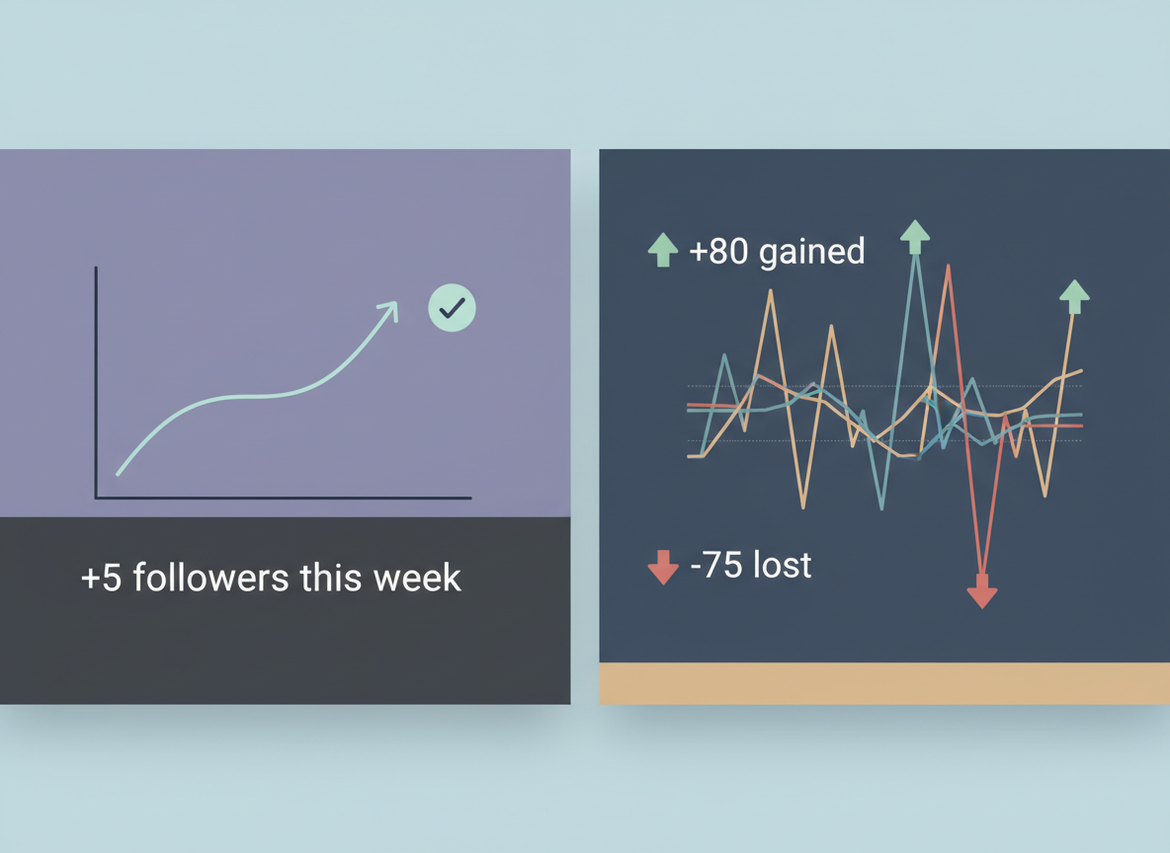
One more lived detail: the “net follower change” graph can hide brutal churn. I’ve seen accounts gain 80 and lose 75 in the same week, and Insights makes it look like “meh, +5.” That’s not meh. That’s a warning.
Limits and caveats (so you don’t over-trust the dashboard)
A couple honest limitations, because this stuff matters:
- Insights won’t tell you who did what. If you need usernames for unfollows, ghost followers, or non-followers, native analytics won’t get you there.
- Insights won’t diagnose recommendation suppression. You can infer it from patterns (non-follower reach collapsing), but you won’t get a reason code.
And one caveat: your mileage varies by account type, region, and rollouts. I’ve seen two accounts on the same phone have different Insights panels for weeks.
Why we built Instagram Follower Tracker for this (and where it fits)
If you’ve been stuck Googling what Instagram insights does not show, it usually comes down to identity-level changes: who unfollowed, who never followed back, who’s a ghost follower, and when those shifts happened. That’s the stuff Insights doesn’t want to show natively.
That’s why tools like a password-free Instagram follower tracker that logs unfollows and non-followers over time exist. I’ve tested a lot of follower apps over the years, and most of them are sketchy: they ask for your password, break when the API changes, or get accounts restricted. Not fun.
Instagram Follower Tracker is built around a different approach: it doesn’t ask for your Instagram password, it stays inside Instagram’s rules, and it focuses on the gaps native Insights leaves behind. It’s not trying to replace Insights for reach and content metrics. It’s for the audience visibility layer Insights refuses to give you.
If you want the bigger “which tool is for what” comparison, this breakdown is worth reading: Instagram Insights vs follower trackers.
Extra troubleshooting: when the numbers don’t line up
If you’re trying to reconcile “my follower count changed” versus what Insights reports, you’re not imagining it. The timing can differ because follower counts update one way, while Insights aggregates another way.
- If you care about exact timing, you’ll want logs, not summaries: follower count change logs vs Insights.
- If you care about speed, Insights is rarely real-time: data freshness vs real-time alerts.
Okay, small tangent: the creators who grow fastest usually stop obsessing over likes and start watching saves, shares, and whether Reels stay under that “easy to finish” threshold (often under 90 seconds for non-followers). It’s boring advice. It works.
FAQ
Why can’t I see all insights on Instagram?
You may be on a personal account, lack recent activity, or be in a rollout group where certain metrics haven’t unlocked yet; Instagram also hides some insights for privacy and policy reasons.
What does it mean when Instagram insights are unavailable?
It usually means Instagram can’t load analytics right now due to an app/server issue, you don’t have the right account type, or the content is too new for reporting to populate.
Why are my Instagram insights wrong?
Most “wrong” Insights are delayed updates, metric definition changes, or filtered counts (spam/bot removals and privacy thresholds) rather than truly incorrect data.
Does Instagram Insights show who unfollowed me?
No, Instagram Insights only shows net follower changes, not the specific accounts that unfollowed or the exact timestamps.
Can I see watch time drop-off for my Reels in Insights?
Not in the detailed way most creators want; you’ll see performance summaries, but not a clean retention curve and drop-off breakdown by segment.
Does using more hashtags give better reach in 2026?
No, Instagram effectively caps hashtags at 5 per post now, and going over can cause tags to be ignored or error out depending on the posting flow.
Conclusion
Instagram Insights is useful for performance snapshots, but what Instagram insights does not show is the stuff you need for real diagnosis: who unfollowed, why reach got suppressed, algorithm categorization, deep competitor trends, and clean attribution.
If you’re trying to get past guesswork, use Insights for content metrics and pair it with an audience-change tool when you need names, timing, and churn visibility. And if that’s the gap you’re feeling, Instagram Follower Tracker is worth a look (just don’t expect it to replace Insights for reach and plays).

