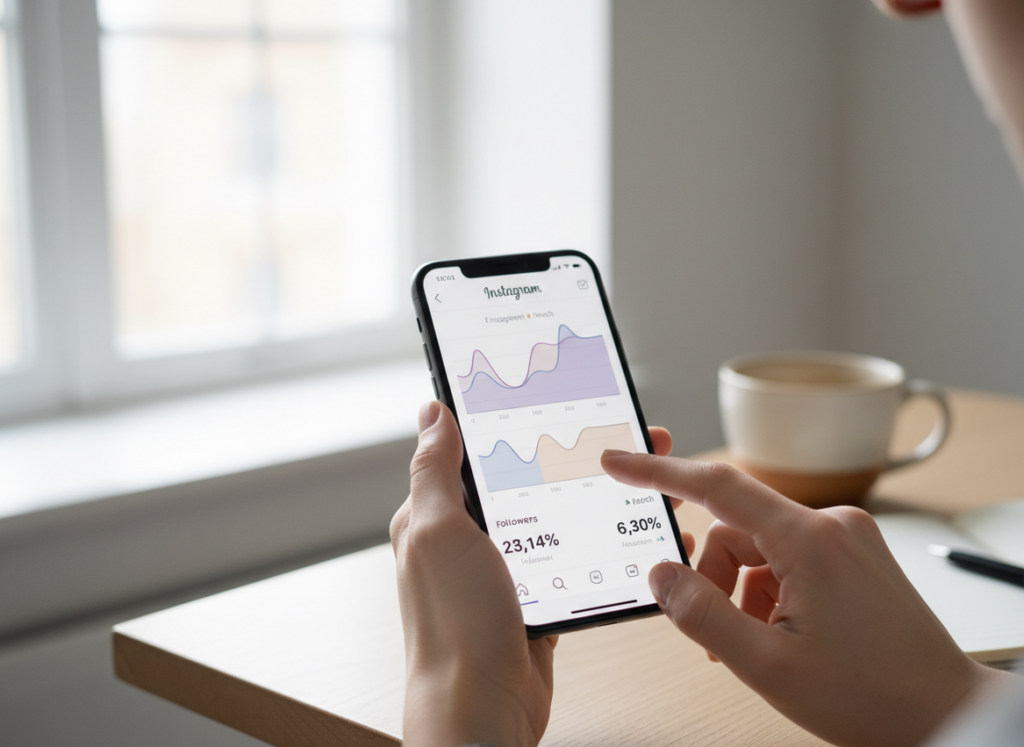
For instagram insights vs meta business suite, the “winner” depends on what you’re doing: Instagram Insights is faster for quick, in-app checks, but Meta Business Suite is way better for real reporting (desktop views, exports, and cross-platform context).
And honestly, this is what catches most people off guard, the numbers are usually pretty much the same. The difference is how you can slice, view, and share them, not some secret extra data Meta’s hiding in one tool.
I’ve compared them side by side on creator and business accounts, small ones and bigger ones, and it tends to shake out the same way. Insights on your phone is for, “What happened today?” But Business Suite is more like, “What’s been going on for the last couple months, and how do I show that to someone else?”
TL;DR: Instagram Insights is ideal for quick, in-app checks while Meta Business Suite excels in detailed reporting and cross-platform management. They’re pulling from a lot of the same data, so the real choice is how you work. Insights is for fast updates, Business Suite is for when you need to dig in a bit and actually make sense of the bigger picture. Use Insights when you’re just checking in and scrolling around. But if you’re doing anything you’ll need to report on later, Business Suite is probably the better call.
Quick comparison. Best for speed is Instagram Insights, you open the app, tap Insights, and you’re there.
- Best for reporting: Meta Business Suite (desktop dashboard + exports).
- Best for teams: Meta Business Suite (roles, collaborator invites, multiple assets).
- Best for cross-platform: Meta Business Suite (Instagram + Facebook in one place).
- Best for “just my post” checks: Instagram Insights.
How it works (why the data looks “the same”)
Both Instagram Insights and Meta Business Suite pull from the same underlying Meta/Instagram measurement systems. That’s why your reach, impressions, engagement, and follower changes usually line up across the two.
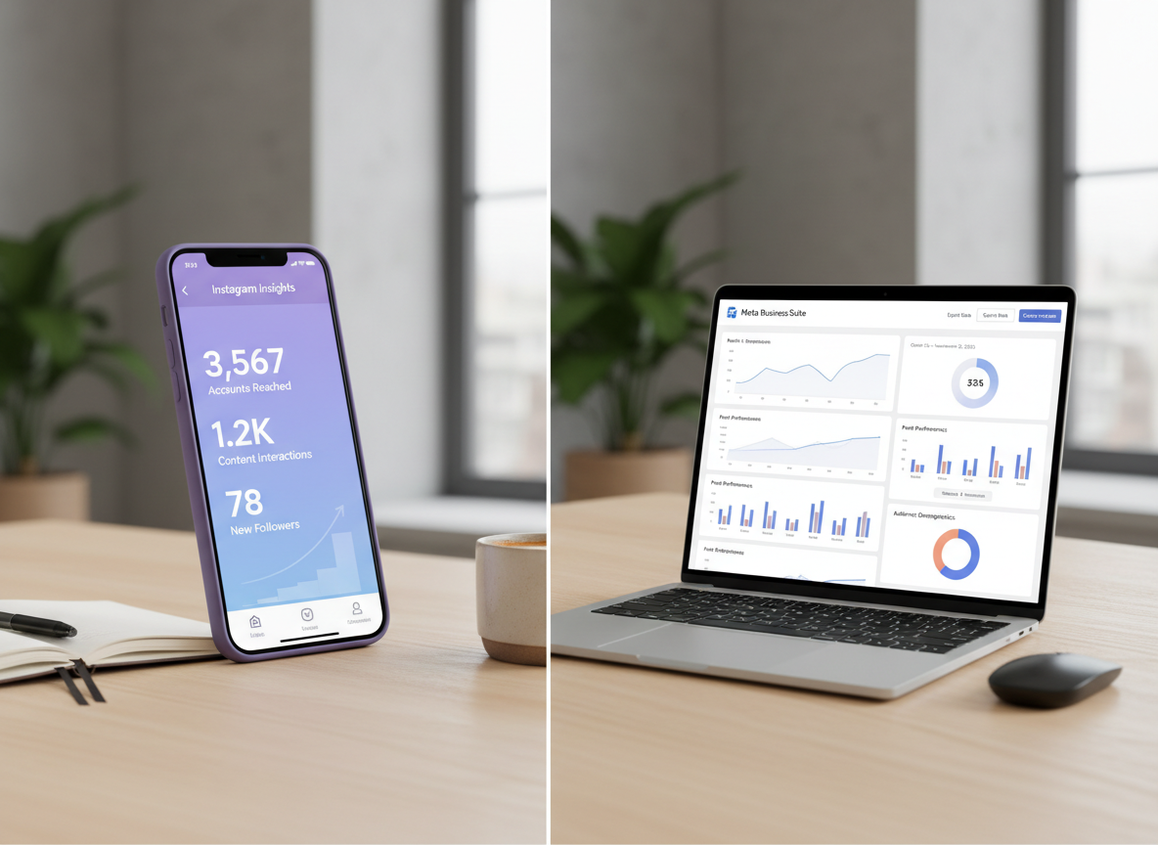
The reason they feel different is workflow. Instagram Insights is a mobile-first surface built around content browsing. Meta Business Suite is a reporting layer meant for business operations: dashboards, time ranges, exports, and managing multiple accounts.
One little lived-detail thing: on bigger accounts (or accounts posting a lot of Reels), Business Suite sometimes takes a few extra seconds to load charts on desktop, but the payoff is you can actually compare weeks and months without tapping around like a maniac.
Instagram Insights: what it’s great at
Instagram Insights is the quickest way to answer simple questions while you’re already in the app. I still use it daily. Not even kidding.
Where Insights shines
- Post-by-post performance checks: “Did this Reel spike?” “Did this carousel flop?”
- Story taps and exits: easy to spot if people are bailing early.
- On-the-go decisions: when you’re about to post again and wanna sanity-check timing.
Where people get annoyed
Insights can feel oddly limited when you want a clean report. You can see the numbers, but turning them into something you can share with a client, your boss, or even your own spreadsheet is… kind of clunky.
Also, Insights is a moving target. Meta tweaks menus constantly. If you’ve ever opened the app and thought, “Wait, where did that screen go?”, yeah. Same.
Meta Business Suite reporting: what it’s great at
Meta Business Suite is where you go when you need actual reporting, not just a quick peek. Desktop access alone makes it feel like a different product.
The big advantages
- Unified dashboard: Instagram and Facebook stats in one place (helpful even if you “barely use” Facebook).
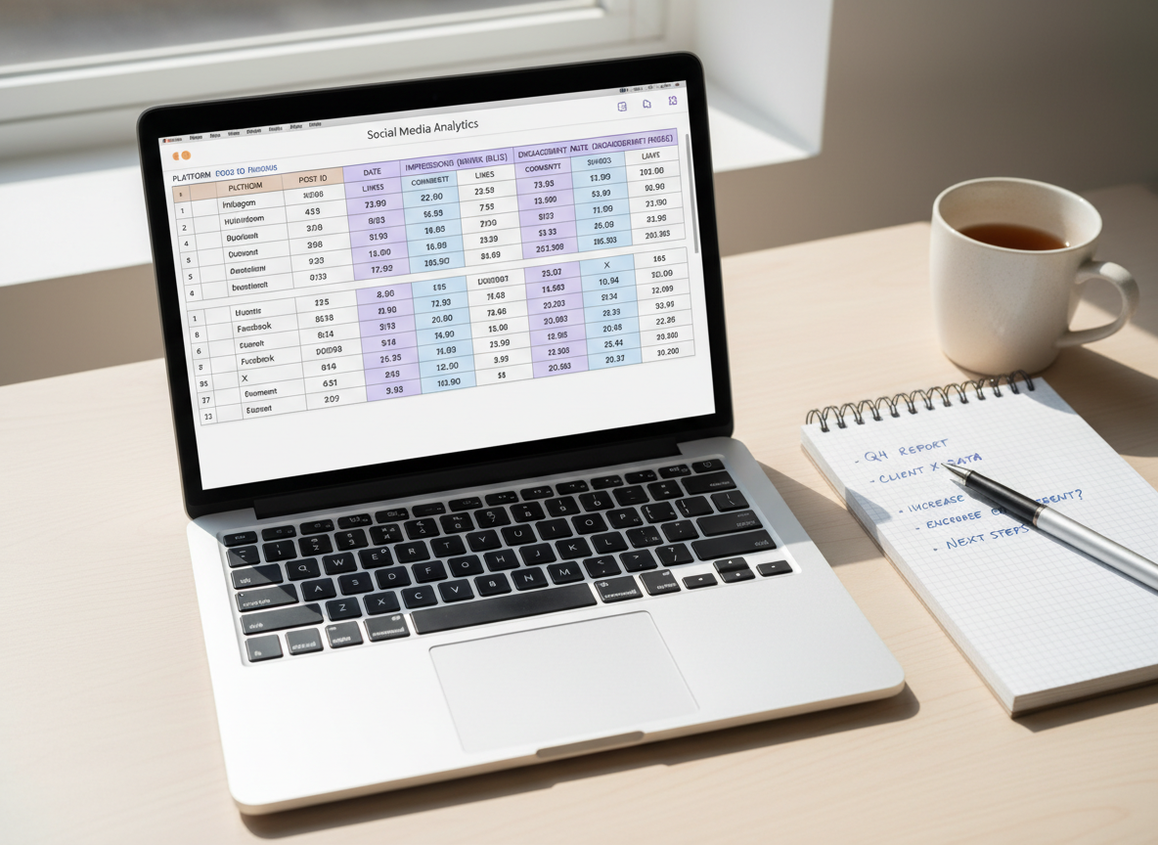
- Exporting: you can pull data out to CSV/Excel/Sheets-style workflows and build your own tracking.
- Cross-platform context: you can see if a content theme is carrying both IG and FB, or only one.
- Team workflows: permissions and collaborator invites are way easier to manage than sharing logins (please don’t share logins).
The 2026 shift: Business Suite is now the “desktop home” for Insights
Over the last year or two, I’ve noticed Meta pushing more serious analytics behavior into Business Suite. If you’re trying to do Insights work from a laptop, it’s increasingly the path of least resistance.
This lines up with the broader “Insights moved around” feeling a lot of creators have had. If you want a quick overview of that ongoing change, this breakdown on the Instagram Insights update captures the general direction.
The AI assistant (useful, but don’t treat it like gospel)
Meta’s Business AI features inside Suite can be legitimately helpful for small teams: it’ll point out trends, suggest optimizations, and sometimes explain spikes in plain language.
But. It’s still an assistant. I’ve seen it over-credit a single Reel for “growth” when the real reason was an external shoutout the same day. So use it like a second opinion, not the judge and jury.
What each tool reports well (and what gets weird)
In practice, both cover the basics: reach, impressions, engagement, audience breakdowns, and performance by content type (posts, Stories, Reels). For a lot of people, that’s enough.
Failure mode #1: short windows and late attribution
Where this gets weird is timing. Engagement and reach can “settle” over 24 to 72 hours (sometimes longer for Reels), so checking too soon can make you think something failed when it’s just not fully distributed yet. I’ve personally watched a Reel look dead for a day, then pick up on day two like nothing happened. Annoying. Real.
Failure mode #2: expecting custom organic reports inside Suite
A mistake I see constantly: people assume Meta Business Suite has super customizable organic reporting templates. It doesn’t, not in the way dedicated analytics tools do. You get Meta’s preset views, plus export. If you need fancy rollups, you build them yourself or use a third-party tool.
Counterintuitive insight: “same data” doesn’t mean “same answers”
You’d think identical metrics would lead to identical takeaways, but actually the interface changes what you notice. On mobile Insights, you tend to judge content individually. In Business Suite, you’re pushed toward trends over time. Same raw data, different mental model.
So which should you use (real-world picks)
Here’s how I’d choose, based on what I see creators and brands actually doing.
- If you’re solo and mostly on your phone: Instagram Insights is enough 80% of the time.
- If you report to anyone (client, manager, partners): Meta Business Suite. You need desktop and exports.
- If you manage IG + FB: Meta Business Suite, no question.
- If you’re trying to track growth trends cleanly: Suite, then export and keep your own history.
And if you’re specifically trying to understand follower movement and audience quality, pair these native tools with something built for follower behavior, like a password-free Instagram follower tracking dashboard that logs changes over time. Native analytics is great, but it’s not designed to answer every “who exactly changed?” question.
Common mistakes (I’ve made some of these too)
- Doing “deep analysis” on mobile: I used to do this in 2023 and it was a waste of time. Desktop views make patterns obvious.
- Not exporting regularly: Meta’s native dashboards are good, but they’re not your permanent archive.
- Overreacting to a single day: if you post a lot, daily volatility is normal. Weekly views are calmer and usually more honest.
- Botching permissions: giving the wrong person the wrong access causes chaos fast, especially when multiple Pages and IG accounts are attached.
Limitations (what these tools won’t tell you)
Instagram Insights and Meta Business Suite reporting won’t reliably answer “who unfollowed me” or “which specific accounts are ghost followers.” That’s just not what native analytics is built for.
They also don’t do competitor benchmarking or social listening in any serious way. If you need that, you’re in third-party territory. Tools like Statusbrew are often mentioned for broader analytics ecosystems, but that’s a different category than native Insights (see this overview of Instagram analytics tool options if you’re comparing).
Why we built Instagram Follower Tracker for this (and where it fits)
Meta’s tools are solid for content performance. Reach, impressions, Reels watch time, audience demographics, all that stuff. But they’re not great at the super specific, emotional questions people actually care about at 11:30 PM: “Did I lose followers today?” “Is it the same few people?” “Why does my follower count feel jumpy?”
That’s the lane Instagram Follower Tracker (followertracker.app) lives in. It’s built to give you visibility into follower changes, non-followers, and “ghost-ish” followers without doing the sketchy stuff that gets accounts flagged. No password. And yes, I’m calling that out because I’ve tested plenty of trackers over the years that were basically “give us your login and pray.” Hard pass.
One honest caveat: we’re not trying to replace Instagram Insights or Meta Business Suite reporting for content analytics. We’re the add-on when native reporting stops short. If you want the bigger picture of how native analytics compares to trackers, this pillar breakdown is worth reading: Instagram Insights vs Follower Trackers.
If you’re trying to understand the gaps in native metrics, these two are also useful depending on your specific question: what Instagram Insights tracks and what it misses and whether Instagram Insights can show unfollowers. And if you’ve ever stared at your follower count wondering why it “changed back,” this explains the difference between native numbers and logs: follower count changes: Insights vs tracker logs.
FAQ
What happened to Instagram insights?
Instagram Insights didn’t disappear, but Meta has shifted more serious desktop analytics and reporting into Meta Business Suite, so Insights features can feel like they “moved” depending on the device and account type.
Is Meta Business Suite good for Instagram?
Yes, especially for reporting, exports, and team access; it’s basically the best free way to analyze Instagram on desktop and compare results over time.
What is the main purpose of Instagram insights?
The main purpose of Instagram Insights is to show how your content and account are performing inside the Instagram app, like reach, engagement, and audience activity.
What are the insights in Meta Business Suite?
Meta Business Suite insights include Instagram and Facebook performance metrics like reach, impressions, engagement, audience demographics, and content results, presented in a cross-platform dashboard with export options.
Why do my numbers look slightly different between the two?
Small differences usually come from timing, attribution delays, and how each interface groups date ranges and content types, especially with Reels that keep gaining views after the first day.
Do I need a third-party tool if I already have these?
Only if you need things native tools don’t do well, like follower-change visibility, competitor tracking, social listening, or custom reporting beyond what exports can cover (some options are discussed here: Instagram analytics tool comparisons).
Conclusion
If you’re choosing between Instagram Insights vs Meta Business Suite, think “quick checks” vs “real reporting.” Insights is perfect for fast, in-app decisions, while Business Suite is where you go to export, compare time periods, and manage multiple assets without losing your mind.
And if your real goal is understanding follower behavior, not just content performance, pair native reporting with Instagram Follower Tracker at https://followertracker.app for visibility into unfollows, non-followers, and growth logs in a way that stays compliant and doesn’t ask for your password.

