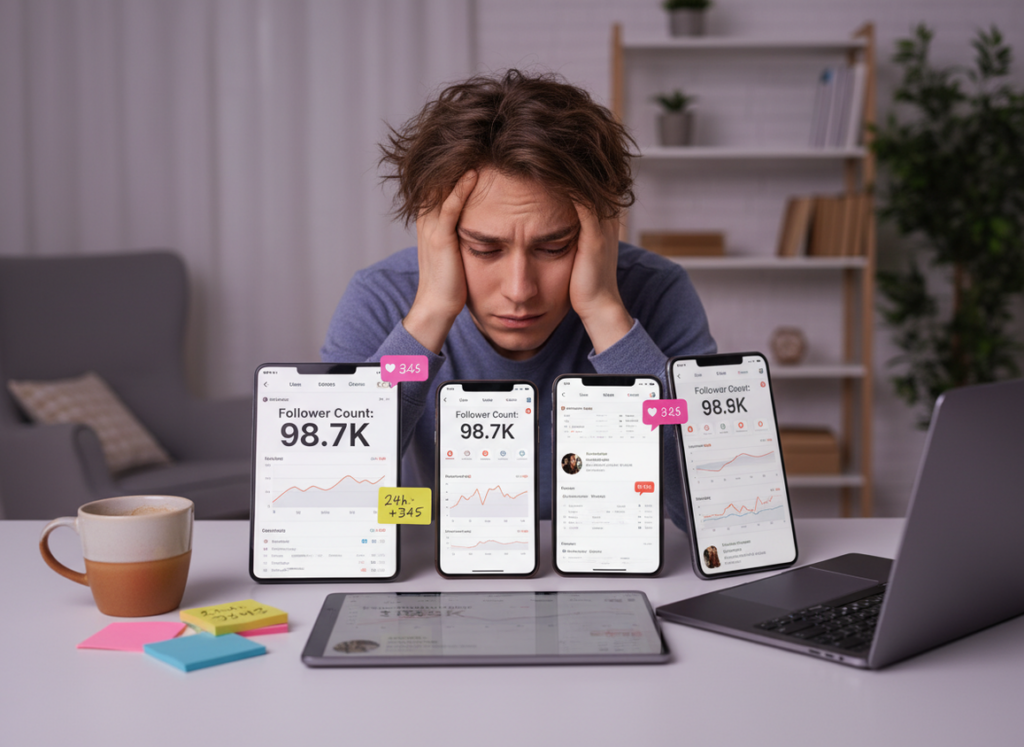
You can use Instagram Insights with a follower tracker by letting Insights tell you “what content worked” and letting the tracker tell you “who changed,” then lining those two timelines up once a day. That combo is way more useful in 2026 than staring at follower count graphs and guessing.
I’ve run this workflow on creator accounts, small local businesses, and one painfully chaotic meme page. The pattern is always the same: Insights shows reach and engagement signals, but it forgets history and doesn’t explain churn. A good tracker fills that gap without doing sketchy stuff with your login.
Look, this is the simplest, least chaotic way I’ve found to pair Instagram Insights with a follower tracker so you can post a little smarter, lose fewer followers, and get a real read on what Instagram tends to push.
TL;DR: Combine Instagram Insights with a follower tracker to understand content performance and audience changes more effectively. In my experience, this setup makes it pretty obvious what gets people to interact and what makes them unfollow, so you’re not just throwing posts at the wall. And instead of refreshing your follower count like it’s the stock market, line up how each post did with how people reacted after, that’s usually where the real story is for reach and sticking power.
How it works, and yeah, it keeps you sane.
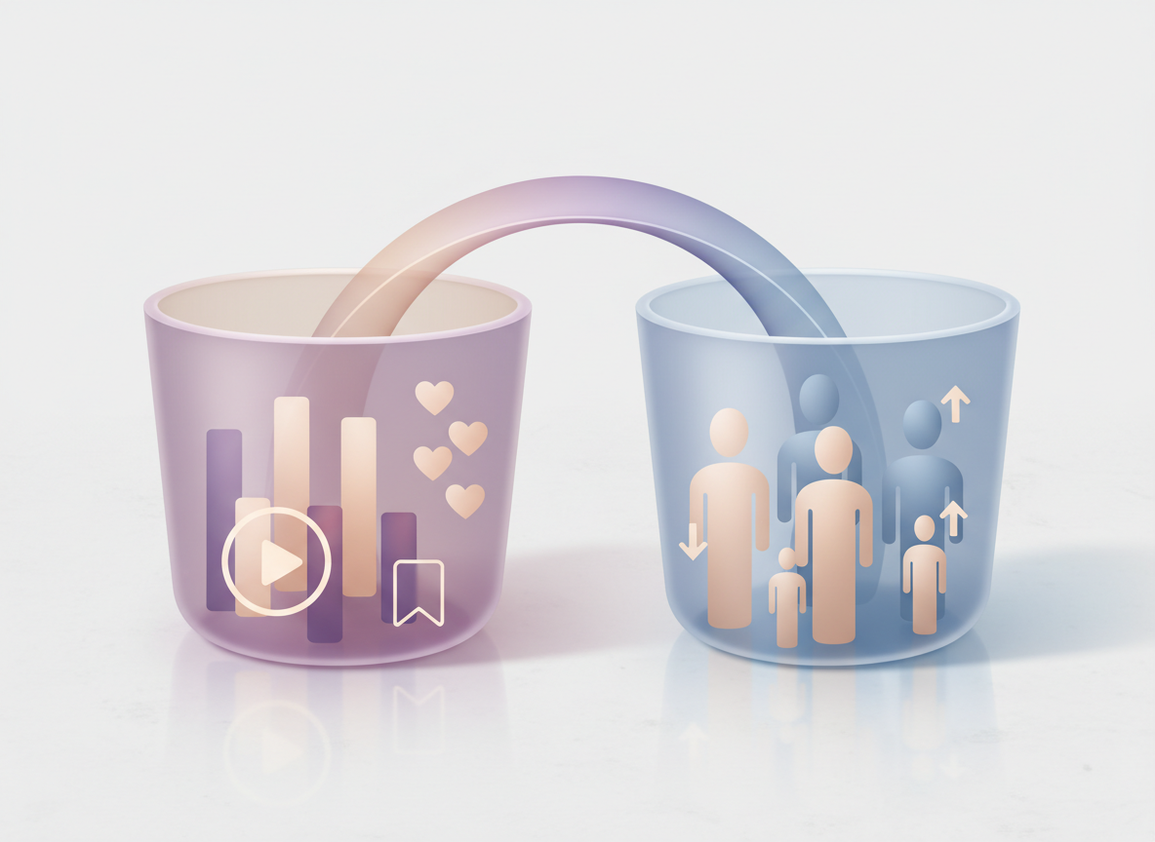
Think of Instagram like two buckets, Insights tells you how the post performed, reach, engagement, saves, shares, and when your people are actually online.
- Follower tracker = audience movement (unfollows, net growth, non-followers, ghost followers, trend logs).
The reason this pairing works is Instagram distributes content based on early engagement quality (especially saves/shares and meaningful watch time), not because your follower count is “high enough.” If a Reel hits the right people and they act like humans, it spreads. If it hits bots or bored followers, it stalls.
And yeah, Meta’s 2025-2026 API changes broke a lot of “instant” trackers. That’s why tool choice matters now. A bunch of apps still promise real-time magic… and then you get weird gaps, missing days, or “log in with your password” screens. Hard pass.
The workflow I actually use (daily + weekly)
I’m gonna be honest: I used to check analytics like a maniac. Every hour. It didn’t help. It just made me emotionally attached to noise.
Step 1 (daily, 5 minutes): Snapshot what changed
- Open Insights and note:
- Reach (not impressions) for your most recent posts
- Saves + shares on anything you care about repeating
- Follower “Most active times” (days + hours)
- Open your follower tracker and log:
- Net followers (up/down)
- Unfollows (count, and who if available)
- Any spike in non-followers discovered via content
One sentence I always write in my notes: “What did I post in the last 24 hours that could explain this?” It sounds basic, but it prevents the classic mistake: blaming the algorithm when you just posted three ads in a row.
Lived detail: on accounts under ~5k followers, unfollow “events” tend to come in little clumps after a post, not smoothly across the day. On bigger accounts (50k+), it’s more like a slow leak plus occasional drops after polarizing content. Same platform, totally different feel.
Step 2 (daily): Match content to churn, not just growth
Here’s what nobody tells you: a post can “perform well” and still cause a wave of unfollows. You’d think high reach equals happy audience, but actually it can mean you reached the wrong segment of your existing followers, annoyed them, and they bailed.
So do this:
- If reach is up but unfollows spike, look at the post topic, tone, and whether it felt off-brand.
- If reach is flat but unfollows are down, you might be building loyalty (not viral growth). That’s not a failure.
- If saves/shares are up and net followers are up, congrats. That’s a repeatable format.
This is where pairing Insights with tracker logs becomes gold, because Insights alone doesn’t tell you what happened to your follower list afterward.
Step 3 (2x per week): Build a posting schedule based on “active times” + outcomes
Insights tells you when followers are active. The tracker tells you whether posting at those times actually correlates with growth for your account.
What I do:
- Pick 2 “peak” windows from Insights (like Tue 6pm and Thu 12pm).
- Post the same content type in both windows across two weeks (example: 2 Reels that follow the same structure).
- Compare: reach, saves/shares, and next-day net follower change.
And yes, timing matters less than people want to admit. But when you’re borderline on distribution, posting into a live audience can be the difference between “dies quietly” and “gets traction.”
Step 4 (weekly, 20 minutes): Clean your audience signals
Ghost followers are a real thing. And they mess with your head because you’ll post something strong, get low engagement, and assume the content is bad.
Weekly, I like to:
- Identify likely ghost followers in your tracker and spot-check a handful (private accounts, no posts, zero interaction patterns).
- Review your “Following” list for non-followers if you’re doing networking or outreach.
- Look at the last 28 days: what content types bring followers that stick?
If you want more clarity on what each tool can and can’t see, this breakdown of Instagram Insights vs Follower Trackers is the mental model I wish I had years ago.
Metrics that matter more in 2026 (and what I ignore)
Instagram’s recent shifts lean hard into “did people care?” signals. If you’re still optimizing for follower count, you’re playing the old game.
What I track
- Reach: discovery is everything, especially on Reels.
- Saves + shares: the closest thing to “this was valuable.”
- Net follower change per post: not just weekly growth, but “what did this specific post do to my audience?”
- Engagement rate (quick sanity check): (likes + comments + saves) ÷ followers × 100.
What I mostly ignore
- Impressions by itself (it’s easy to inflate, and it doesn’t always mean new people).
- Follower count milestones without retention (I’ve seen accounts hit 10k and immediately stall because the new followers were low-intent).
If you want a broader view of how analytics stacks are evolving, this overview of Instagram analytics dashboards is a good read, especially for brands that need reporting beyond the app.
Failure modes: where this “Insights + tracker” system breaks
This workflow is solid, but it’s not magic.
- It falls apart during sudden virality. When a Reel takes off, follower changes can lag and your “why” analysis gets messy for a few days. I’ve watched a Reel spike on day 3 after posting, and the unfollows didn’t show up until day 5. Confusing. Normal.
- It gets weird when you run ads or do giveaways. Paid spikes and giveaway followers distort retention, so don’t judge “content quality” off those weeks.
Common mistakes I see (and yes, I’ve done them)
I’ve been there: you post, your follower count dips, you panic-delete, then you post something safe and boring. Been guilty. Didn’t help.
- Chasing daily alerts like they’re emergencies. Daily review beats constant notifications. Otherwise you’re reacting, not planning.
- Ignoring what Insights misses. Instagram gives you snapshots, not a durable history. That’s why pairing with a tracker matters. If you’re curious about the gaps, read what Instagram Insights tracks and what it misses.
- Assuming you can see unfollowers in Insights. You can’t, at least not directly. This is exactly what can Instagram Insights show unfollowers clears up.
- Overreacting to small-number days. On a 700-follower account, losing 4 people feels dramatic. On a 70k account, it’s background noise. Context matters.
Quick tangent: a lot of “analytics tools” blogs still recommend apps that require your IG password. That’s not just risky, it’s outdated thinking. Meta has been tightening restrictions, and accounts do get flagged. If you want a neutral roundup angle, this list of Instagram analytics tools for 2026 reflects how the market has shifted.
How Instagram Follower Tracker Helps With This Workflow
I built my routine around tools that don’t create new problems. Instagram Follower Tracker is useful here because it focuses on the “audience movement” side without asking for your password, which is where so many tracker apps get sketchy fast.
In practice, it’s the difference between guessing and knowing. You look at Insights to see what content got reach and saves, then you check your tracker to see whether that same content coincided with unfollows, non-followers, or a clean growth curve. And if you’ve ever tried to reconcile “my follower count changed but I can’t tell when,” the tracker’s log-style history helps a lot, especially alongside follower count changes Insights vs tracker logs.
One honest caveat: no compliant tracker can read Instagram’s mind or show you “exactly” why someone unfollowed. It can show the pattern and the timing, which is usually what you need to make a better decision.
If you want to set this up with a tracker that’s built for this kind of cross-checking, I’d start here: a password-free follower tracker that pairs cleanly with Instagram Insights.
Limitations (what this won’t tell you)
This workflow won’t tell you the private reason a specific person unfollowed, and it won’t reliably attribute growth to a single post when multiple posts are performing at once. Also, if your account is brand new or very low activity, your data is going to look “flat” for a while. That’s not broken analytics, that’s just not enough signal yet.
FAQ
How to use Instagram insights to see when followers are active?
Go to Insights → Audience (or Total Followers) and look for “Most active times,” which shows hours and days your followers are online; use that to choose 1-2 test windows and track next-day follower change with your tracker.
How many followers do you need to view insights on Instagram?
You need a professional account (Creator or Business) to access Insights; there isn’t a strict follower minimum, but smaller accounts may see limited audience breakdowns until there’s enough activity.
How to work Instagram algorithm for followers?
Optimize for engagement quality: aim for saves, shares, and strong watch time on Reels, then use Insights to confirm reach and a tracker to confirm those posts bring followers that stick (not just spike and vanish).
Do Instagram follower trackers work?
Some do, but many are limited by Meta’s API changes and some are risky because they ask for your password; the “working” ones typically focus on safe tracking, history, and change detection rather than pretending they have real-time access to everything.
Why did I gain reach but lose followers?
Usually the content reached a broad audience but didn’t match what your existing followers want, so you got distribution without retention; compare the post topic and format against the day’s unfollow list to spot the mismatch.
Should I post only during peak active times?
No, treat active times as a tie-breaker, not a rule; test two peak windows and keep the content format consistent, then let reach and next-day net followers decide what’s actually best for your account.
Conclusion
The best workflow to use instagram insights with follower tracker data is simple: check Insights for content signals (reach, saves, shares, active times), then check your tracker for audience movement (unfollows, net growth, non-followers) and connect the dots on a daily cadence. Don’t chase hourly noise. Watch patterns.
If you want the “who changed” side to be clean, private, and easy to reconcile with Insights, Instagram Follower Tracker is a solid fit. It’s built for exactly this kind of routine.

