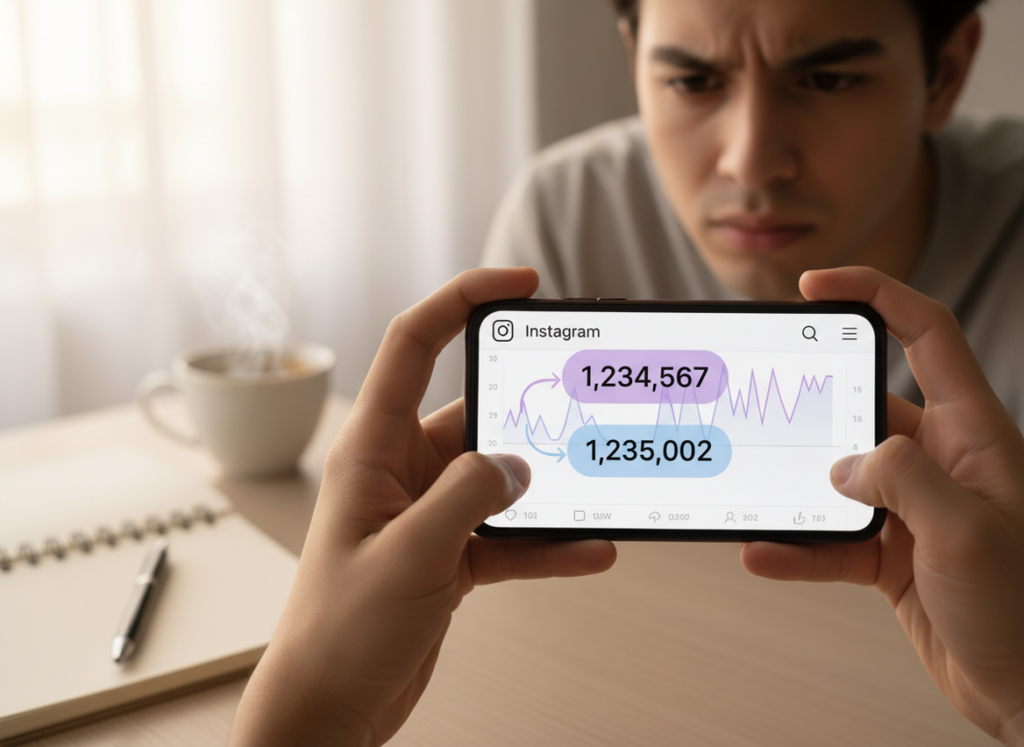
Instagram Insights is great for quick, native “what changed” data (gains and losses), but it’s a short-memory tool. A tracker log is what you use when you care about the “when,” the “who,” and the long-term pattern behind your Instagram follower count changes.
If you’re comparing instagram follower count changes insights vs tracker, the simplest takeaway is this: Insights tells you net movement for the last 90 days (and some context like demographics), while tracker logs are built for ongoing history, alerts, and specific lists like unfollowers and non-followers.
I’ve run both side-by-side on creator accounts and business accounts for years, and the sweet spot in 2026 is still a hybrid setup. You check Insights for the platform’s official totals, and you lean on logs when you want receipts.
TL;DR: Instagram Insights offers a quick snapshot of follower changes over the last 90 days, but it lacks depth for long-term analysis. But a tracker log usually hangs onto the history and the nitty-gritty changes, which is what you want if you’re trying to spot patterns over weeks or months. A hybrid approach using both tools is recommended for comprehensive follower management.
Insights vs tracker logs: what each one is actually measuring
People lump all “follower tools” together, but they’re not even trying to do the same job.
Instagram Insights (Professional Dashboard) is a rolling window
On a Creator or Business account, Instagram’s Professional Dashboard shows follower growth, follower losses, and audience info, but it’s basically a rolling 90-day view. For many accounts, that’s enough to answer “did this Reel help?” or “why did last week feel weird?”
Where it gets annoying is when you want to compare to last quarter or last year. You just can’t. The history falls off, and you’re left with vibes.
I also notice Insights updates can feel “chunky.” On smaller accounts, your totals sometimes look like they refresh in bursts instead of smoothly. On larger accounts, the graph can lag a bit after a viral post, then catch up later (which is fine, but it spooks people).
Tracker logs are basically a timeline, and sometimes you even get a who-list too.
In most cases it’s two parts, one is a running record of your follower totals, daily, hourly, whatever that tool can grab.
A change log that highlights events like unfollows, new followers, and follow-backs, depending on the tool.
That second part is the big difference. Insights can tell you “you lost 14 followers yesterday,” but it won’t tell you which 14. Tracker logs can, if they’re built to store those snapshots safely and legally.
How it works (and why the numbers don’t always match)
Here’s the behind-the-scenes reason your Instagram follower count changes look different across tools: they’re not all reading the same “clock.”
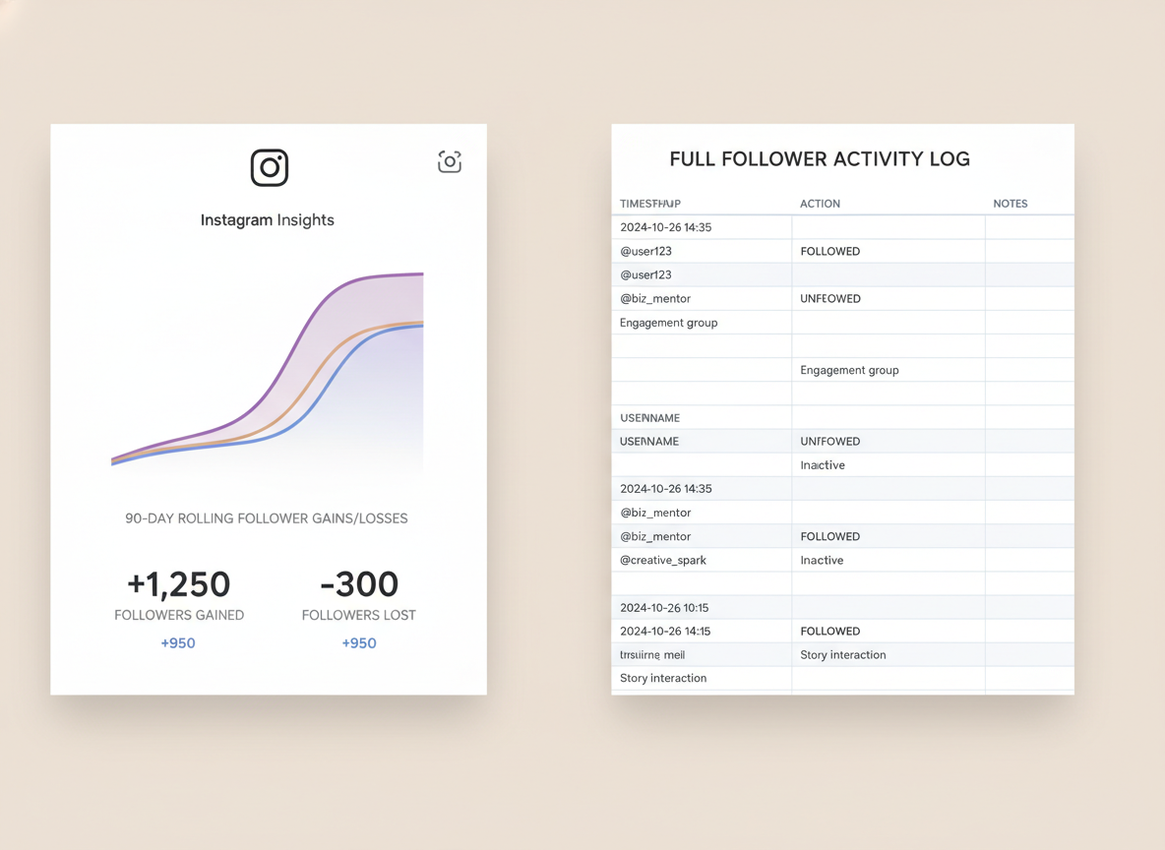
Instagram’s own follower count is the source of truth, but it’s not always displayed the same way everywhere at the same moment. Your profile count, your Insights graph, and any external tool pulling permitted data can be out of sync for a bit. Not forever. Just long enough to make you question your sanity.
Tracker logs work by taking repeated snapshots and comparing them. If a tool logs at 9:00 AM and again at 9:00 PM, it’s going to catch “delta” changes between those points, not necessarily every micro-change during the day. That’s why “log at the same time daily” isn’t busywork, it’s what makes trends readable.
And yeah, in 2026 Instagram is still aggressively cracking down on sketchy third-party apps that want your password. I’ve seen accounts get hit with login challenges and temporary action blocks after trying those. Not worth it. If you’re browsing options, even a basic rundown like this overview of Instagram follower tracker apps makes the risk pattern pretty obvious.
Quick comparison: instagram follower count changes insights vs tracker
If you just want the straight comparison, this is what you’re choosing between.
- Time range: Insights is mainly last 90 days; tracker logs can be “forever” as long as you keep logging.
- Identity-level changes: Insights shows totals; tracker logs can show who unfollowed and who doesn’t follow back (tool-dependent).
- Speed: Insights is usually close to real-time but can lag; trackers depend on snapshot frequency and may miss minute-by-minute swings.
- Safety: Insights is native; trackers are only safe if they don’t ask for your password and stay compliant.
- Context: Insights gives demographics and “most active times”; tracker logs give patterns, notes, and alerts.
Counterintuitive thing nobody tells you: obsessing over the raw follower number can make your content worse. The algorithm’s been rewarding engagement quality for a while, and if you chase “no unfollows,” you’ll post safer, blander stuff. That usually drops reach anyway. Hootsuite has a decent high-level explanation of how the Instagram algorithm weighs engagement signals, and it lines up with what I see on real accounts.
When Insights is enough (and when it isn’t)
Insights is enough when your question is basically, “Did my content this month grow the account?” If you’re posting consistently and you’re not doing giveaways or wild collabs, the 90-day view is honestly fine.
It’s not enough when you need:
- Long-term baselines: seasonal dips, year-over-year comparisons, campaign tracking beyond 90 days.
- Specific accountability: “Which accounts unfollowed after that post?” (Insights won’t tell you.)
- List cleanup: non-followers and ghost followers are hard to manage from native tools alone.
One lived-detail thing I’ve noticed: if you run a giveaway, Insights often makes the growth look “cleaner” than it felt in real life. Tracker logs show the churn more clearly because you see the spike and then the slow bleed when people bounce after the winner is announced.
If you want the deeper breakdown of what native data includes and what it skips, the cluster post what Instagram Insights tracks and what it misses nails the boundaries.
Where tracker logs shine (and where they get weird)
Tracker logs shine when you’re trying to connect cause and effect. Post at 7 PM. Log the next morning. Note the topic. Repeat. Patterns pop out fast.
Failure mode #1: snapshot timing makes you think you “lost” followers
This falls apart when your log times are inconsistent. If you check Monday at 8 AM and Tuesday at 11 PM, your “daily” change isn’t daily anymore. It’s a day plus a half, and the comparison gets noisy.
Failure mode #2: private/deactivated accounts can confuse “who unfollowed” lists
Where this gets weird is when someone deactivates, gets banned, or flips privacy settings in the middle of your tracking window. Some tools will mark that as an unfollow event, some won’t, and you might see the person “reappear” later. I’ve watched this happen on mid-size accounts (20k to 80k followers) and it always triggers a mini panic. It’s usually not personal. It’s account status churn.
What tracker logs won’t tell you
A tracker log won’t tell you why someone unfollowed. It also won’t reliably tell you whether Instagram removed bot accounts vs real people. You can infer based on timing and patterns, but you’re still guessing.
How I’d diagnose follower count changes in real life (my simple workflow)
I used to do the day-over-day obsession thing. It’s exhausting. Now I keep it boring.
- Pick one daily check time and stick to it for a month. Same hour, same timezone.
- Mark “events” next to the number: Reel went viral, collab post, giveaway, controversial Story, paid boost, etc.
- Use Insights for context: demographics shifts, active times, and which content got reach.
- Use tracker logs for accountability: unfollower lists, non-followers, and long-term trend lines.
- Review weekly, not hourly. Hourly checks make normal fluctuation feel like a crisis. Been there.
If you’re trying to line up “freshness” (alerts, near-real-time logs) vs the slower, official view, this sibling post is worth a skim: Insights data freshness vs real-time alerts.
Common mistakes I see (and yes, I’ve made these)
- Giving an app your Instagram password. I did this once years ago on a throwaway account, got a suspicious login alert within a day, and deleted it immediately. Lesson learned.
- Freaking out over tiny drops. Some days you’ll lose 5 and gain 5. That’s normal. Still feels bad, though.
- Assuming Insights is “the whole story”. It’s a summary, not a ledger.
- Chasing follower count over engagement. You can grow followers while your reach dies. It happens.
If your real question is “can Insights show unfollowers,” the answer is basically no, and the details are here: can Instagram Insights show unfollowers.
How Instagram Follower Tracker helps with follower count change logs
This is exactly why tools like Instagram Follower Tracker exist. Insights is fine for the official 90-day snapshot, but when you want a log you can actually use, you need something built for tracking, not just summarizing.
What I like about it (and why I’m comfortable recommending it) is the security posture. It doesn’t ask for your Instagram password, which is the #1 line I won’t cross anymore after seeing accounts get flagged by shady “analytics” apps. If you want a safe way to keep a running record of Instagram follower count changes with tracker-style logs and alerts, this is the lane.
It’s also practical: unfollowers, non-followers, ghost follower signals, and daily alerts are the stuff people actually care about when they’re comparing insights vs logs. Honest caveat: no tracker can magically explain intent. You’ll get the “what” (who left, when it happened), but the “why” still comes from looking at your content and timing.
Limitations (read this before you blame the tool)
Insights limitation: it won’t store long-term history beyond its window, and it won’t identify specific unfollowers. So if you need a receipt trail, you’ll hit a wall.
Tracker limitation: logs depend on snapshot frequency and data availability, so you can miss intra-day flips. Also, if someone deactivates or Instagram purges spam accounts, your “unfollows” can look messy for a day or two.
Your mileage will vary depending on account size and how often you post. On accounts under 1,000 followers, a swing of 10 looks dramatic. On 100k+, it’s basically background noise.
FAQ
Why is my Instagram follower count changing?
Your follower count changes because people follow and unfollow, Instagram removes spam accounts, and the app may update totals with a slight delay across different screens.
Have Instagram insights changed?
Yes, Instagram has pushed more analytics into the Professional Dashboard and keeps a limited rolling window of growth data, which is why older trends can disappear after a few months.
Why does the Instagram followers list change?
The followers list can change order based on Instagram’s ranking signals (like interactions) and because accounts deactivate, go private, or get removed, which shifts what you see.
Do trackers show who unfollowed you better than Insights?
Yes, Insights shows totals (gains/losses), while tracker logs can show specific accounts that unfollowed, depending on how the tool records snapshots.
Is it safe to use a follower tracker in 2026?
It can be, as long as the tool doesn’t ask for your Instagram password and stays compliant; password-based “tracker apps” are the ones I’ve seen trigger security challenges and restrictions.
Conclusion
If you’re stuck on the instagram follower count changes insights vs tracker question, think of it like this: Insights is your official 90-day dashboard, and tracker logs are your long-term notebook with names, timestamps, and patterns.
Use Insights to understand what content is reaching people, and use logs to understand how your audience actually behaves over time. If you want a tracker that focuses on safe, password-free logging and practical change reports, Instagram Follower Tracker is worth trying at followertracker.app.

