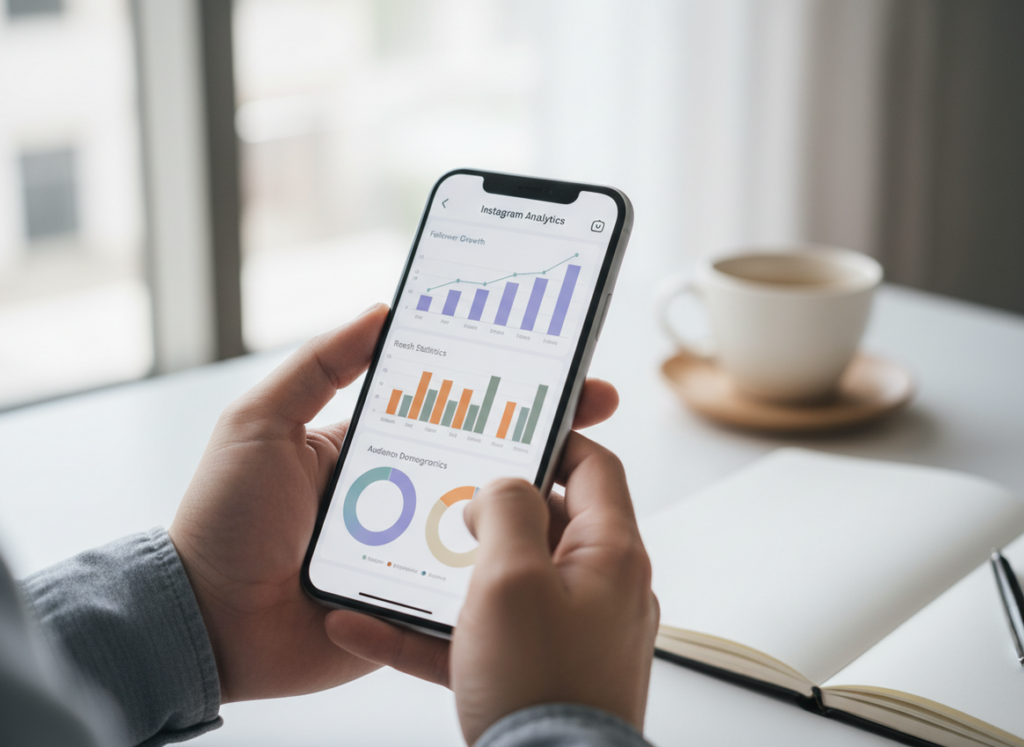
If you’re comparing Instagram Insights audience data to a follower tracker list, here’s the real difference: Insights tells you what kinds of people you’re reaching and where growth is coming from, while a tracker list tells you which specific accounts followed, unfollowed, or never followed you back.
Honestly, they’re not even really competing. They answer totally different questions, and if you try to use one to replace the other, you’ll end up guessing and getting annoyed (I’ve done that… more than once).
And below I’ll walk you through Instagram Insights audience vs a follower tracker list in plain English, what each one can’t tell you, the parts that usually get confusing, and how to use both without doing anything that could get your account flagged.
TL;DR: Instagram Insights provides aggregate data on audience reach and engagement trends, while follower tracker lists offer specific details about which accounts follow or unfollow you. They’re for different jobs. Insights tells you who you’re reaching overall, and tracker lists tell you what changed on the account-by-account level. Use both tools together for a fuller understanding of your audience dynamics without confusion.
Insights “Audience” Data vs Tracker “Audience Lists”: what you’re actually looking at
Instagram Insights is aggregate analytics. It’s built to summarize trends: demographics, reach sources, content performance, and follower growth patterns. A follower tracker list is account-level monitoring: names, lists, changes, and sometimes engagement flags like “ghost” behavior.
Here’s the easiest mental model:
- Insights Audience = “Who did I reach?” (followers + non-followers, grouped into charts)
- Tracker lists = “Who changed?” (specific accounts, one by one)
And yes, that means Insights can tell you you reached 40,000 non-followers last week… but it won’t tell you which 40,000 they were. That’s by design.
What “Audience” means inside Insights (and why it confuses people)
On Professional accounts, “Audience” is basically Instagram’s bucket for the people your account touches. That includes followers, non-followers, and sometimes people who only saw you once via Explore or a hashtag.
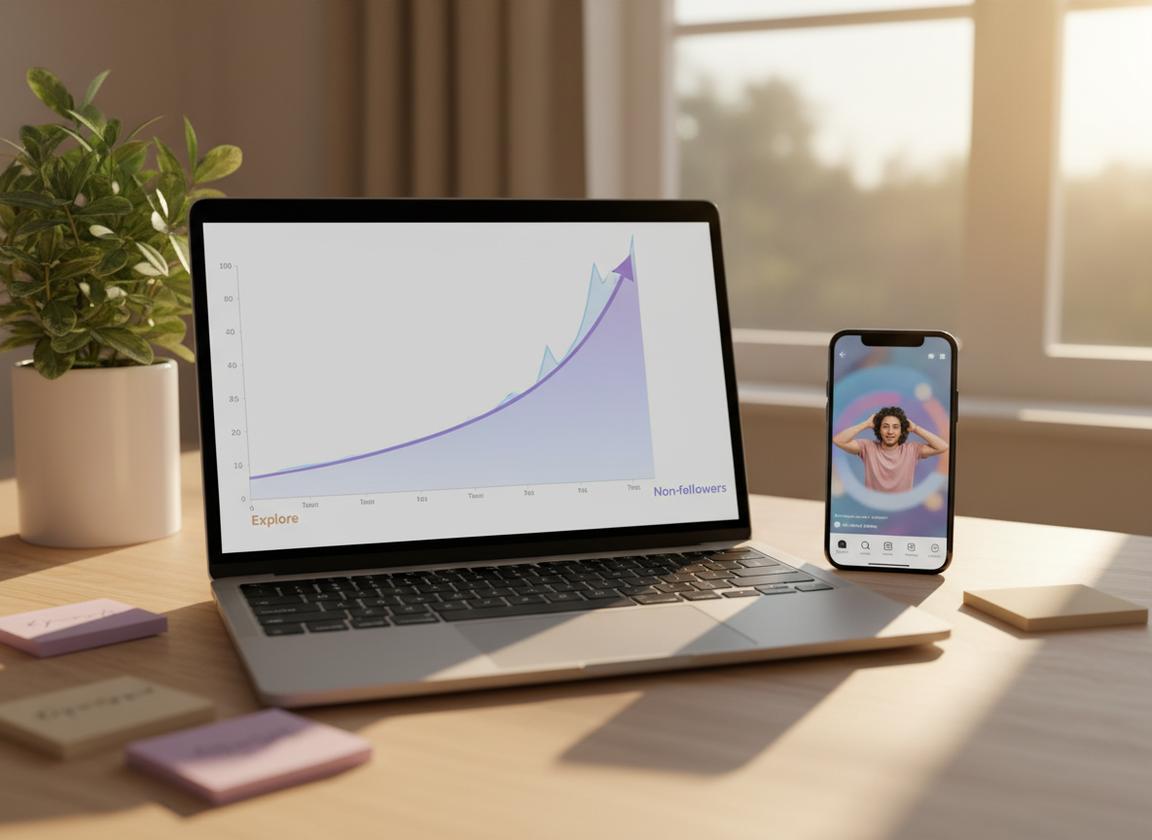
One thing I’ve noticed from checking this across lots of accounts: if you post a Reel that pops off on Explore, Insights will show a spike in non-follower reach that looks like “new audience,” but it doesn’t mean you gained a bunch of followers. It just means you got in front of them.
How it works (under the hood): why the data looks so different
Insights and trackers aren’t pulling from the same “view” of Instagram.
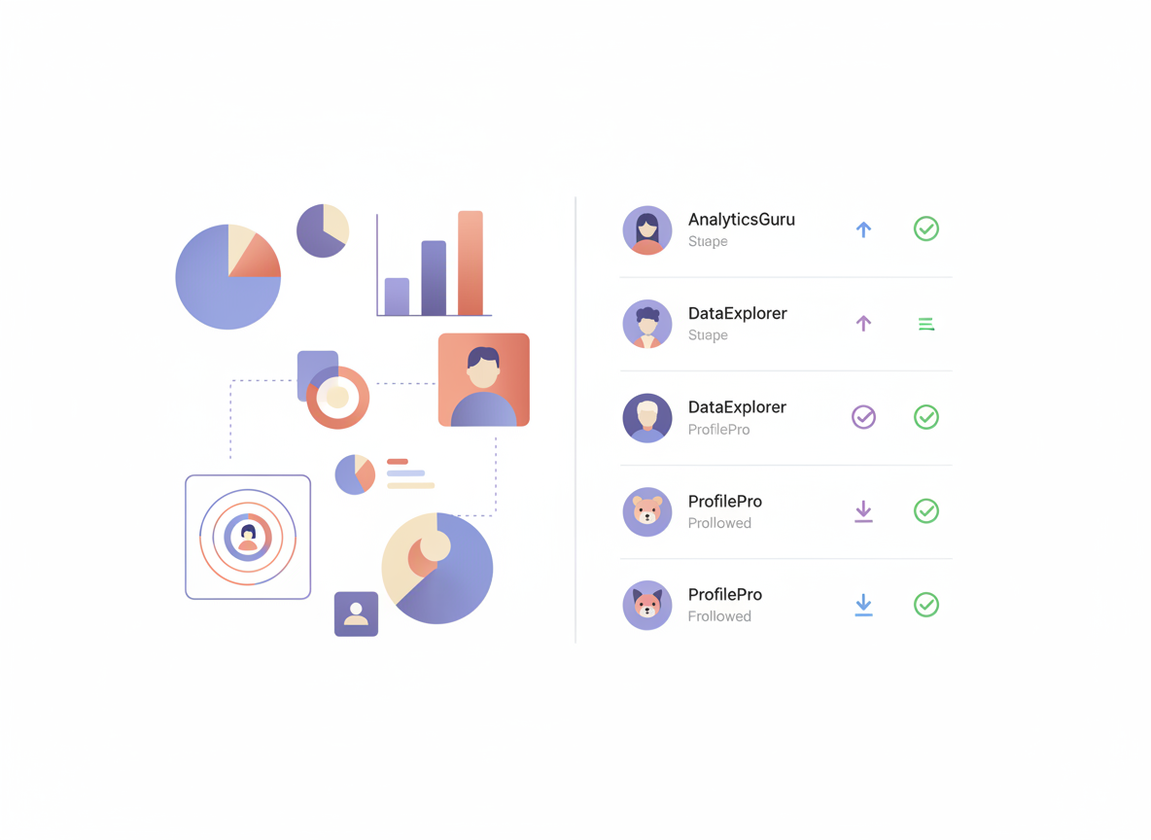
How Instagram Insights builds its numbers
Insights uses Instagram’s internal measurement to summarize actions: impressions, reach, profile visits, follows, and engagement. In 2025–2026, it got more detailed about where reach came from (Home, Hashtags, Explore, Profile, Direct, plus paid vs organic splits), and timing data is way better than it used to be. You can see more granular post performance and even follower gains tied to specific content types, which lines up with what’s been reported in recent Insights coverage like this Insights update breakdown and metric rundowns like this overview of newer Insights metrics.
But it stays aggregated. Instagram doesn’t want Insights to become a “people-stalker dashboard.” So it’s charts, not lists.
How follower tracker lists get built
A tracker list is basically a series of snapshots. It checks who you’re following, who follows you, and then compares changes over time.
This is where the “instagram insights audience vs follower tracker list” question usually lands: trackers are about account events (follow/unfollow, mutuals, non-followers), not about reach or demographics.
Lived detail from my own testing: on smaller accounts (under 5k followers), most tools refresh fast and the “unfollowed you” list tends to be pretty clean. On bigger accounts, it can take longer for lists to fully update, and if someone toggles private settings or deactivates temporarily, you’ll sometimes see a “phantom” change that resolves the next refresh. Annoying. Normal.
Side-by-side: Insights audience data vs follower tracker list
Here’s what each one is best at, without pretending one replaces the other.
- Insights audience data is best for: demographics, reach sources, content performance, follower growth trends, and showing brands proof (timing, locations, age ranges).
- Follower tracker lists are best for: unfollowers, non-followers you follow, mutuals, cleaning your following list, and “who changed since yesterday.”
Counterintuitive thing nobody tells you: your best-performing post by reach is often not your best post for follower conversion. You’d think big reach equals big growth, but actually a Reel can hit broad Explore traffic and still bring in fewer follows than a “narrow” carousel that speaks directly to your niche. The reason is intent. Explore reach is cheap attention; niche content is “this is for me” attention.
What each tool can’t tell you (so you don’t chase ghosts)
- Insights won’t tell you which specific accounts reached you via hashtags or Explore. It’s not built for that.
- A tracker list won’t tell you why someone unfollowed, or which post caused it. You’ll infer that from timing, but it’s still inference.
And no, neither one can reliably tell you “who is stalking my profile.” If you see a tool claiming that, run.
Where this breaks (failure modes I’ve seen a lot)
This stuff usually falls apart in two spots.
Failure mode #1: confusing “reached audience” with “followers”
People see a spike in non-follower reach in Insights and assume the tracker “missed” new followers. Nope. Reach is exposure; follows are a separate action. If you want to diagnose it, look at follows gained on the day of the spike and compare it to your baseline.
Failure mode #2: trackers that ask for your password (and then your account gets weird)
I’m not being dramatic. I’ve watched accounts get hit with login challenges, temporary action blocks, and “suspicious activity” warnings after using sketchy tracker apps.
It’s why I’m picky about using tools that are API-compliant and don’t require handing over credentials. If you’re curious what the “good” side of this category looks like (and what features people look for), this follower tracker overview maps the landscape pretty well.
So which should you use day-to-day?
I’d split it like this:
- Use Insights 2 to 3 times a week for content decisions: what formats pull saves, what time your followers are active, what sources are underperforming (Home vs Explore vs Hashtags).
- Use a tracker list daily or every few days if you care about list hygiene: non-followers, unfollow spikes, ghost followers, and “who dipped.”
Lived detail: when I test on creator accounts that post Stories daily, “ghost follower” lists get misleading fast, because Stories views are a totally different behavior pattern than feed engagement. Someone might never like a post but still watch every Story. So if you’re pruning followers, don’t do it purely off likes.
If you want a bigger-picture comparison of the two tool categories, this pillar post nails the framing: Instagram analytics comparison between Insights and follower trackers.
A quick diagnostic workflow (the one I actually use)
- Start in Insights: find your top 3 posts or Reels by follows gained and saves, not just likes.
- Check reach source mix: if Explore is high but follows are flat, your content is broad. Tighten the niche signal.
- Then check the tracker list: did you have an unfollow spike right after a certain post or caption angle?
- Sanity check over 72 hours: don’t overreact to a single day. Timing delays and refresh cycles can make day-to-day swings look scarier than they are.
Most guides skip that last part, but it’s where people mess up. I’ve rage-cleaned my following list off one bad day before. Not proud. It didn’t help.
Limitations (be honest or you’ll misread the data)
Insights limitations: It won’t identify individual accounts in your reached audience, and it won’t show you a clean “who unfollowed” list. It’s designed for trends, not receipts.
Tracker limitations: A follower tracker list can’t explain motivations, and accuracy can wobble when accounts deactivate/reactivate, switch privacy settings, or when Instagram rate-limits certain checks. Your mileage varies more on larger accounts or when you’re checking constantly.
If you want a clearer breakdown of what the native tool does and doesn’t cover, this is worth reading once: what Instagram Insights tracks and what it misses. And if your main question is unfollows specifically, this one saves time: whether Instagram Insights can show unfollowers. For the “why did my count change?” rabbit hole, this is the cleanest explanation I’ve seen: follower count changes in Insights vs tracker logs.
Why we built Instagram Follower Tracker for this exact gap
Insights is great at telling you what’s happening at the macro level. But the moment you ask “okay… who unfollowed me?” you hit a wall. That’s the gap Instagram Follower Tracker fills: it gives you the list-level visibility that Insights intentionally doesn’t.
I’ve used a lot of trackers over the years, and the big line in the sand for me is account safety. Tools that demand your Instagram password are the ones that tend to trigger security checks or worse. With a password-free follower change tracker that focuses on unfollowers and non-followers, you’re not trading your account for curiosity, which is a deal I’m never making again.
It’s not a replacement for Insights, though. Honestly, if you only use a tracker, you’ll know who changed but not what content caused the growth (or the drop). The sweet spot is using Insights for strategy, and the tracker list for cleanup and accountability.
FAQ
What does “audience” mean on Instagram insights?
In Instagram Insights, “audience” generally refers to the people your account reaches and engages, including followers and non-followers, summarized through aggregate demographics and activity trends.
Are Instagram follower trackers accurate?
They can be accurate for follow/unfollow changes when they’re compliant and refresh consistently, but they can still show temporary quirks when accounts deactivate, go private, or when Instagram limits how often lists can be checked.
How does Instagram determine the order of the following list?
The following list order isn’t purely chronological; it’s influenced by signals like interactions, mutual connections, and how relevant Instagram thinks an account is to you, so the order can shift.
Does Insights tell you who viewed your profile?
No, Instagram Insights shows counts like profile visits, but it doesn’t reveal the specific accounts that viewed your profile.
Why does Insights show more reach than my follower count?
Because reach includes non-followers seeing your posts through Explore, hashtags, shares, or other surfaces, so it can easily exceed your follower total.
If I lose followers, how do I figure out what caused it?
Match the timing of the drop (from your tracker list) to your content and posting schedule (from Insights), then look for unusual spikes in unfollows after specific posts or topic shifts.
Conclusion
Instagram Insights audience data tells you patterns: who you’re reaching, where reach comes from, and what content drives follows. A follower tracker list tells you names: who unfollowed, who isn’t following back, and how your follower base changes day to day.
If you’re trying to stop guessing, use Insights for decision-making and a tracker for the receipts. And if you want the list side without sketchy login risk, Instagram Follower Tracker is built for that kind of clean, compliant tracking.
Learn more at https://followertracker.app

