
If you want a free Instagram follower tracker, you can absolutely get useful data without paying a cent. But if your goal is “tell me exactly who unfollowed me, and do it reliably week after week,” the free options usually hit a wall pretty fast.
Paid follower trackers aren’t “better” because they’re paid. They’re better when they’re built around safer access (public data, official Meta connections, or passwordless flows) and when they keep history long enough to catch patterns you’d miss with a once-in-a-while check.
I’ve tested a bunch of these on small creator accounts and on a couple of business profiles with bigger audiences, and the differences aren’t subtle. Some free apps are fine. Some are basically ad farms with a dashboard taped on. Let’s sort it out.
Free vs paid follower trackers: the quick comparison
Here’s the honest summary I give people: go free if you just want a rough pulse. Go paid if you care about accuracy over time, clean reporting, and fewer weird “why did this reset?” moments.
| Category | Free follower tracker | Paid follower tracker |
|---|---|---|
| Who unfollowed you | Sometimes, but often limited (ads, caps, missing history) | Usually more consistent with longer history and better tracking |
| Safety (ToS risk) | All over the place; some ask for passwords (don’t) | Better tools lean on passwordless methods or official connections |
| Tracking history | Often short, sometimes resets after app reinstalls | Longer retention, easier trend spotting |
| Insights and growth charts | Basic charts, limited export | More filters, exports, comparisons, and alerts |
| Support and updates | Hit or miss | More likely to keep working after Instagram changes things |
And yeah, the “keeps working” part matters because Instagram changes access rules constantly. Tools that were rock solid a year ago sometimes break overnight.
How Instagram follower tracking actually works (and why free vs paid matters)
Most follower trackers work by taking “snapshots” of your follower list over time, then comparing one snapshot to the next. If someone was in yesterday’s list and isn’t in today’s list, they’re an unfollower. Simple.
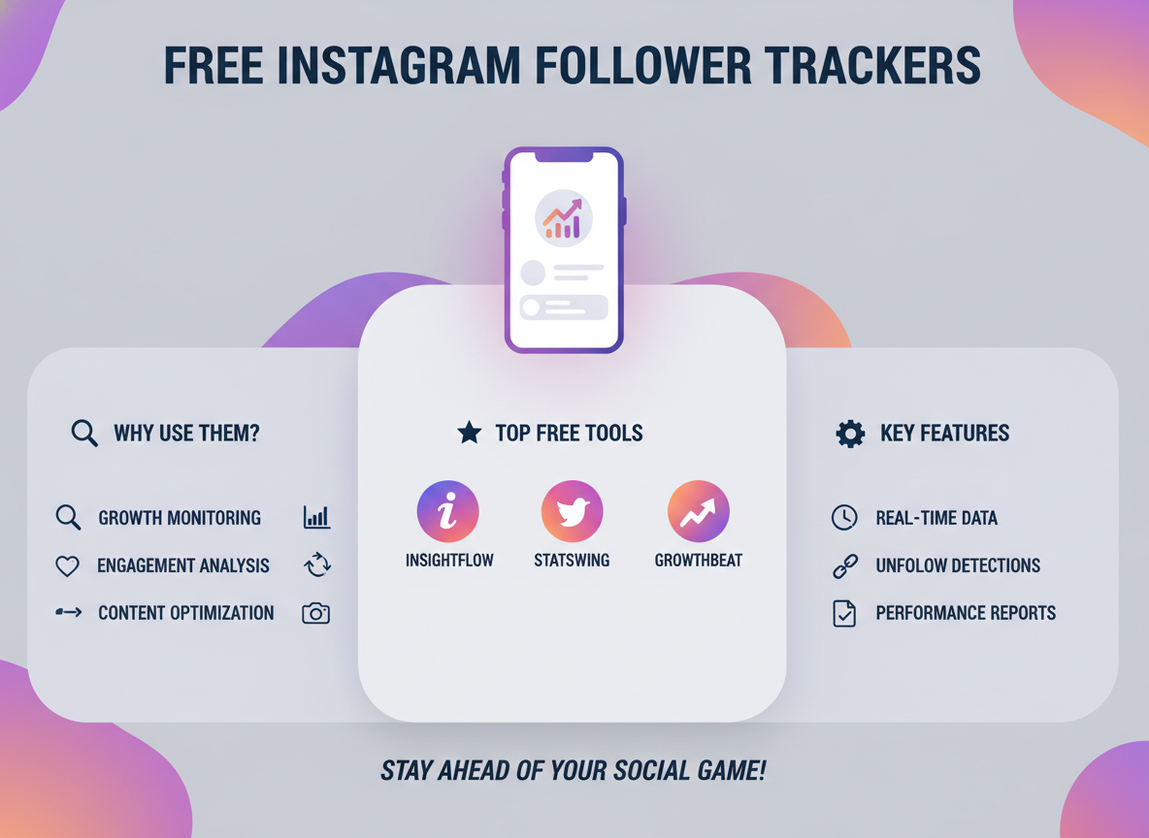
But the messy part is how a tool gets that follower list in the first place. There are basically three buckets:
- Instagram Insights (built-in): Great for trends and audience info, not for “this specific person unfollowed you.”
- Passwordless / public-data tracking: Tools that don’t ask for your IG password and can still track change over time, usually by observing accessible account signals and your own provided lists or exports.
- “Log in with your password” apps: These are the ones that get people in trouble. Not all are malicious, but plenty are risky, and Instagram’s enforcement in 2026 is stricter.
The reason paid tools tend to do better is boring: server-side storage and ongoing snapshots cost money. A free app that’s only making money from ads often caps how often it can refresh, how many accounts it can store, or how far back it keeps history.
One lived-detail thing I’ve noticed: on accounts above roughly 20k followers, “refresh” can feel slower on free apps, and sometimes you’ll see partial loads that magically “fix themselves” the next day. That’s usually rate limits and batching, not your imagination.
The best free instagram follower tracker options (what I’d actually use)
1) Instagram Insights (free, built-in, and still underrated)
If you have a Business or Creator account, Instagram’s built-in Insights is the cleanest free baseline. You get growth trends, follower activity times, and audience breakdowns. The big limitation is that it’s not an unfollower name-and-shame list, and it’s typically focused on recent windows (often up to about 90 days for many views).
For 2026, Insights is still the “safest” free tracker because it’s literally Instagram. No weird logins. No third-party scraping drama. If you want the overview, start there. For a solid rundown of follower tracking approaches, I like this overview from SocialRails.
2) Free tiers of follower apps (Followers+, FollowMeter, web tools)
Plenty of people use apps like Followers+ or FollowMeter for quick unfollower checks. On a phone, these feel convenient. Tap, refresh, and you get a list. But the free tier is usually loaded with ads, refresh limits, and “unlock with subscription” walls right when you start caring.
Here’s a real-world behavior I see a lot: users check obsessively for two days, then forget for two weeks, then come back and expect the app to “know” what happened. It can’t, because it only knows what it observed. If you didn’t refresh during that gap, it can’t reconstruct exact timing.
If you want a broad list of common tracker apps and how they position themselves, Tenorshare’s roundup is a decent snapshot: Instagram follower tracker app comparisons.
3) Web-based free trackers and “public count” tools
Some tools focus on follower count changes and charts rather than unfollower identity. These can be handy if you manage competitors or multiple accounts. The tradeoff is obvious: you might get great charts, but not “who unfollowed me.”
And heads up: if a site promises you can anonymously see everything someone does on Instagram, assume it’s clickbait until proven otherwise. I’ve clicked enough of those to learn my lesson. (Not proud of it.)
What you actually get when you pay (and when it’s worth it)
Paying makes sense when you care about history, consistency, and less hassle. Not fancy graphs for the sake of it. Actual usefulness.
- Longer tracking history: Instead of “last few refreshes,” you can look back months and see whether unfollows spike after certain posts.
- Fewer refresh limits: Free apps often throttle checks. Paid plans usually relax that.
- Exports and reporting: If you’re running collabs or managing a brand page, exporting changes is a lifesaver.
- Cleaner safety model: The better paid tools are the ones that avoid sketchy password collection and don’t do anything that screams “automation.”
One more lived-detail thing: paid tools tend to handle “slow drip” unfollows better. Those are the annoying ones where you lose 1-3 followers per day after a controversial Reel, and it doesn’t look dramatic until you zoom out two weeks. Free apps often make that hard to see because they don’t keep enough history.
Counterintuitive truth: free can be safer than paid (and paid can be sketchy)
You’d think paying means it’s legit. Not always. I’ve seen paid apps that still ask for your Instagram password and then do aggressive “engagement” actions in the background. That’s where people get locked out, forced to reset passwords, or hit with suspicious login alerts.
Meanwhile, Instagram Insights is free and basically bulletproof. So yeah, free can be safer. Weird, right?
If you’re trying to stay on the safe side of Instagram’s rules, read this before you install anything: which Instagram follower tracker apps are safe vs risky. It’ll save you a headache.
Failure modes: where follower trackers fall apart
This is the part most “top 10” lists skip, because it’s not fun. But it’s real.
Failure mode #1: the tracker only knows what it measured
If you don’t refresh or sync regularly, the tool can’t accurately tell you when the unfollow happened. Sometimes it can’t even tell you who did it if it missed the snapshot window. So if you’re gonna use any tracker, get into a rhythm. Even every 2-3 days helps.
Failure mode #2: login-based apps trigger security checks
Where this gets weird is when an app logs in from a different country or rotates servers. Instagram sees that and goes, “Nope.” Then you’re doing SMS codes, email confirmations, and occasionally a forced password reset. Been there. It’s not fun at 1 a.m.
So which should you pick? (Quick decision based on your goal)
If you just want to know if you’re growing
Use Instagram Insights. Check weekly. That’s it.
If you want a “who unfollowed me” list without doing anything risky
Use a passwordless tracker and keep your check-ins consistent. If you want the step-by-step for the unfollower question specifically, this is the one people bookmark: how to see who unfollowed you on Instagram.
If you’re a creator focused on Reels growth
Trends matter more than individual unfollowers. The data backs it up: Reel-focused creators tend to grow faster, and engagement quality matters more than raw follower count. Fake/inactive followers are still a thing too, around 14.1% across accounts according to recent Instagram follower statistics, so obsessing over every 1-person drop can be kind of a trap.
If you manage a brand page (or multiple accounts)
Paying often makes sense here because you’ll want exports, longer history, and fewer refresh limits. Also, you’re more likely to care about trendlines, campaign dates, and content performance than one-off unfollows.
What I’d do if you want the best of both worlds
Honestly, I like a “two-layer” setup:
- Use Instagram Insights for growth trends and audience data.
- Use a dedicated unfollower tracker for the “who left” list, as long as it’s not asking for your password.
If you want something that’s built specifically around safe unfollower tracking, Instagram Follower Tracker is the type of tool I recommend because it doesn’t play the “hand over your password” game. That’s usually where people get burned.
Also, quick tangent: if you’re worrying about whether people get notified when you unfollow them, they don’t, but there are little edge cases that confuse people (like follow requests and private accounts). This clears it up: does Instagram notify when you unfollow someone.
Limitations (the stuff a follower tracker won’t tell you)
A follower tracker won’t tell you why someone unfollowed. It can hint at patterns (like unfollows spiking after a certain post), but it can’t read minds. And if an account deactivates or gets banned, some trackers will label it like an unfollow even though it’s technically different.
One more caveat: if you switch phones, clear app data, or reinstall certain mobile trackers, you can lose local history. Then you’ll see a “fresh start” that makes it look like nobody ever unfollowed you. That’s not a vibe.
Common mistakes I see (and yes, I’ve done a couple of these)
- Refreshing 20 times a day: You’ll hit limits or get junky results. Plus it makes you spiral. I’ve done it. Not great.
- Using password-required apps: If it asks for your IG password directly, I’d walk away. “But it has good reviews” doesn’t help when your account gets flagged.
- Chasing every unfollow: Sometimes you lose followers because Instagram cleans up bots or inactive accounts. That’s normal in 2026 and honestly healthier.
- Ignoring timing: If you check once a month, you’ll miss the story. Check every few days if you care about accuracy.
FAQ
Is there a free Instagram follower tracker?
Yes. Instagram Insights is the safest free option for tracking growth trends, and some third-party tools offer free tiers for basic gain/loss and unfollower checks.
How to track unfollowers on Instagram for free?
Use a free-tier tracker that doesn’t require your password and refresh it consistently so it can compare snapshots. If you only check once in a while, the “unfollower” data gets fuzzy.
Do free Instagram follower apps really work?
Some do, but many have limits: ads, capped refreshes, short history, and occasional resets. They’re fine for casual use, just don’t expect perfect coverage.
Are Instagram trackers legal to use?
Using trackers isn’t “illegal,” but some can violate Instagram’s Terms if they require passwords or use unauthorized access methods. Stick to Insights, official connections, or passwordless tools to reduce risk.
Conclusion: free vs paid comes down to consistency and trust
If you’re just curious, a free instagram follower tracker setup (especially Instagram Insights) is plenty. If you’re serious about tracking unfollowers over time, paid can be worth it, but only if the tool is doing things the right way and not asking you to gamble your login.
If you wanna track unfollowers without handing over your Instagram password, take a look at Instagram Follower Tracker here: https://followertracker.app. It’s the kind of “set it and check it” approach that keeps people sane.
And if you want the bigger picture of tracking, metrics, and what to pay attention to, this is a solid starting point: Instagram Follower Tracking: Complete Beginner’s Guide.

