Your instagram follower count keeps changing because Instagram is constantly recalculating who “counts” as a real follower, removing spam/inactive accounts, and syncing numbers across servers that don’t always update at the same time.
Sometimes it’s real (people unfollowed). Sometimes it’s Instagram doing cleanup or lagging behind on the display. And yes, it can absolutely look random even when nothing “happened” on your end.
I’ve been tracking follower behavior across personal accounts, creator accounts, and small business pages for years, and the pattern is always the same: counts fluctuate more than people expect, and the reason depends on when you’re looking and how you’re looking (profile vs Insights vs a tracker vs desktop).
What “follower count” actually is (and why it’s not one single number)
Here’s the thing most people don’t realize: Instagram doesn’t have one magic counter that updates instantly everywhere. It’s more like several systems trying to agree with each other.
Your profile number, the follower list, the number your friend sees, and what third-party tools can infer may update on slightly different schedules. And that’s why you might see “1,234 followers” on your profile, but when you open the actual follower list it looks like it’s short by one, or some tracker shows a change before your profile number catches up.
How it works (simple version)
- Instagram stores follower relationships (User A follows User B) in big databases.
- The displayed count is cached so Instagram can load profiles fast without recalculating everything live.
- Those caches refresh on a schedule, and the schedule isn’t the same for every account, region, or app version.
- Cleanup systems (spam detection, bot purges, inactive-account sweeps) can remove followers in batches, which creates sudden drops.
So if your Instagram follower count keeps changing, it’s usually one of three things. Real unfollows, Instagram cleanup, or the number just lagging behind what’s actually happening. And honestly, sometimes it’s a mix of two things at the same time. Annoying. But normal.
The most common reasons your follower number “randomly” changes
1) Instagram removes bots and inactive accounts (and you feel it as a drop)
Instagram has been way more aggressive about clearing out junk followers than it used to be. That shows up as drops that feel “out of nowhere,” especially if you ever ran giveaways, used sketchy growth tactics, or had a Reel go viral to the wrong crowd.
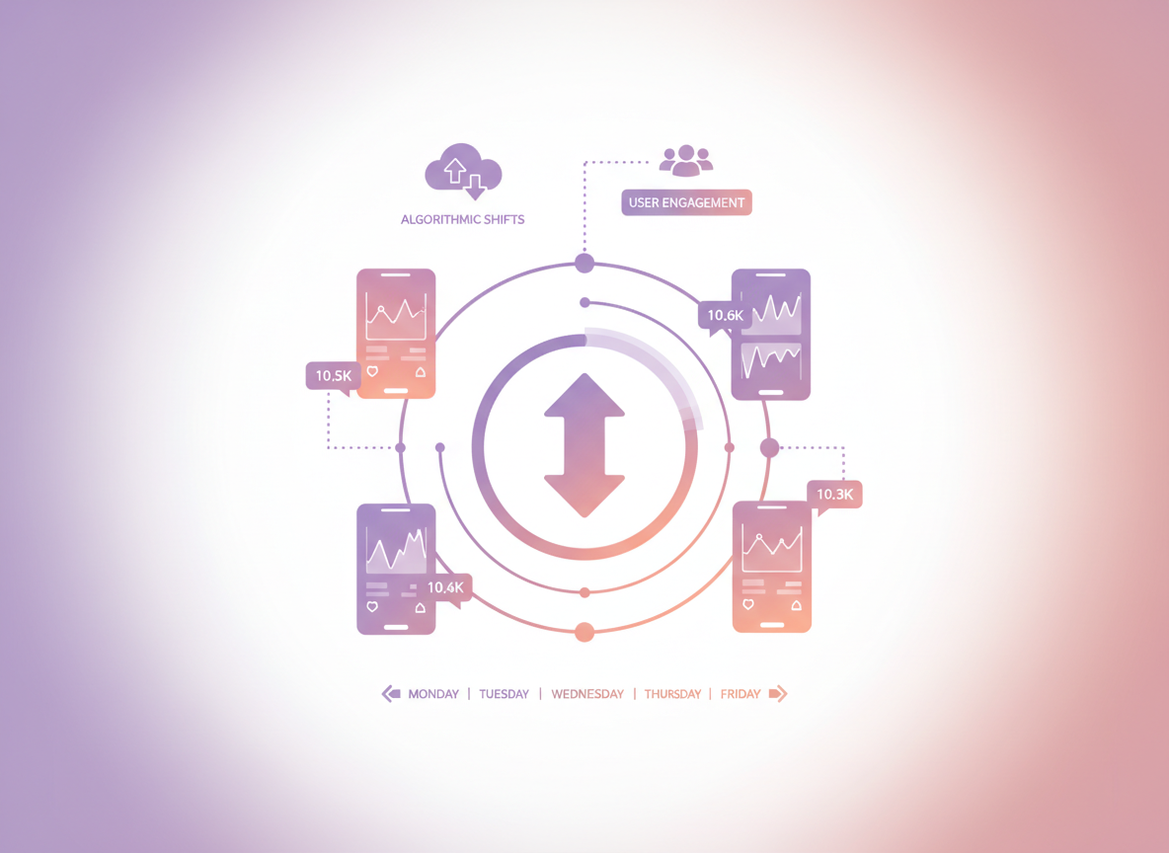
Recent stats put fake or inactive followers around 14.1% in 2025, and Instagram keeps tightening enforcement, which lines up with what I see in real accounts: periodic dips that don’t match your posting schedule. You can check broader follower trend stats here: Instagram follower bot and inactivity statistics.
One lived-detail thing: on accounts that previously bought followers (even just once, years ago), I’ve watched “quiet” purges happen in waves. It’s not a smooth decline. It’s like -7, then nothing for days, then -19 overnight.
2) People deactivate, get suspended, or delete their accounts
This one looks exactly like an unfollow, but it isn’t personal. People take breaks, get locked out, or get banned. If they come back later, your count can pop up again.
And yes, I’ve seen this on small accounts too. Even when you only have a few hundred followers, a handful of deactivations in a week can make your number bounce around enough that you notice.
3) You’re looking at different places that update at different speeds
Try this sometime: check your follower count on your phone, then on a desktop browser, then ask a friend what they see. It’s weird how often it doesn’t match.
On larger accounts, this tends to be more obvious. I’ve had creator accounts in the 50k to 200k range where the “public” count lagged behind the follower list by hours. Sometimes longer.
4) Follow/unfollow churn (it’s not just “unfollows”)
Some people follow you from a Reel, then unfollow two days later. Others follow, mute you, then unfollow months later after a cleanup. Your count can swing while your content performance looks steady.
There’s also a chunk of users who do the old follow-for-follow thing and then disappear. It still happens in 2026. Less than 2019, sure, but it’s not dead.
5) Instagram experiments and ranking shifts change who discovers you
Instagram’s discovery is more interest-based now, which means your account can get pushed into new pockets of people who are more likely to follow quickly and unfollow quickly. It’s not always “bad followers.” It’s just mismatched expectations.
A lot of marketers are leaning into deeper analytics now because follower count alone is kind of a blunt instrument. If you want a bigger-picture snapshot, these updated platform stats are useful context: Instagram follower statistics and trends.
Counterintuitive truth: a fluctuating count can be a sign you’re growing
You’d think a healthy account only goes up. But actually, some of the best-growing accounts I manage have more churn, not less, because they’re constantly being shown to new people.
If you’re reaching new audiences (especially via Reels), you’ll pick up fast follows and fast unfollows. That’s not a crisis. That’s the top of the funnel doing its thing.
What you want is net growth over time and improving engagement quality, not a follower number that never wiggles. A totally flat, “perfect” follower graph is honestly the one that makes me suspicious.
How to tell if it’s a glitch vs real unfollows (my quick diagnostic)
Okay, so what do you do when your instagram follower count keeps changing and it’s driving you nuts?
I use a simple diagnostic flow. Not because it’s fancy. Because it saves time.
- Check the follower list, not just the number. If the count changed but the list still shows the same recent followers, it’s often cache lag.
- Compare in two places: mobile app and desktop browser. If they disagree, it’s usually display sync, not a mass unfollow wave.
- Look for a pattern: random tiny changes (+1, -1) during the day often means normal churn. A sudden drop (like -20 overnight) is often a purge or a batch of deactivations.
- Check your recent content source. If you had a Reel pop off, expect more volatility for the next 48 to 72 hours. That’s been pretty consistent in my testing.
If you want to track changes cleanly without handing over your password (please don’t), that’s where Instagram Follower Tracker comes in. I like it for the simple “who changed” view, especially when you’re trying to separate real unfollows from Instagram weirdness.
Why the “Following” count can be wrong too
People fixate on followers, but “Following” glitches just as often. Same reasons: caching, delayed sync, and background cleanups.
I’ve also seen “Following” counts stick when you unfollow a bunch of accounts quickly. Then, minutes later, it snaps into place. It looks like Instagram is lying, but it’s usually just slow reconciliation.
Where this gets weird (failure mode #1)
If you follow/unfollow in bulk, Instagram sometimes rate-limits actions. You might think you unfollowed 50 people, but only some of those actions “stick” immediately, and the displayed number can bounce while the system catches up.
Don’t try to “force” it by doing more unfollows. That’s how people get action blocks, and it’s a pain to undo. I’ve been there. I learned that lesson the dumb way.
Bot purges: what they look like in real life
When Instagram does a cleanup, the drop usually has a signature:
- Sudden step-down (like -12, -47, -103) with no matching spike in “Accounts reached.”
- No corresponding hate comments or drama that would explain a bunch of humans leaving at once.
- Follower quality improves afterward (better story viewers-to-followers ratio). Not always, but often.
One super specific thing I’ve noticed: accounts with lots of international giveaway followers get hit harder. The drop happens in clusters, and it often coincides with other “spammy” behaviors being filtered across the platform. It’s like Instagram cleans a whole neighborhood at once.
What not to do when your follower count fluctuates
This is the part most people mess up. They see the number dip and they panic-post, delete content, or start swapping hashtags like it’s a casino.
Try not to.
- Don’t refresh 100 times a day. You’ll catch the count mid-sync and convince yourself something’s wrong.
- Don’t buy followers to “replace” the drop. You’ll basically be paying for the next purge. Brutal cycle.
- Don’t assume one person unfollowing means your content is bad. People unfollow for dumb reasons: they’re cleaning their feed, they followed during a binge, they accidentally followed you. It happens.
- Don’t use shady apps that ask for your Instagram password. I’ve seen too many accounts get compromised that way. If you’re comparing options, this breakdown on safe vs risky follower tracker apps is a solid sanity check.
So how do you track what’s actually happening (without losing your mind)?
You’ve got two layers: “big picture trend” and “specific names.”
Big picture: watch net change in chunks
I like 7-day and 30-day windows. Daily numbers can be noisy, especially if you post Reels or Stories heavily.
Also, Instagram’s own Insights are useful, but they won’t always show you the exact people who left, and they can lag. If you’re managing client accounts, that lag can make you look like you don’t know what you’re doing. Ask me how I know.
Specific names: unfollower tracking
If you’re trying to answer “who unfollowed me?”, use a tracker that doesn’t require your password and doesn’t do spammy automation.
If you want the walkthrough, this is the cleanest explanation I’ve seen: how to see who unfollowed you on Instagram.
And if you’re new to this whole category
Most guides either overcomplicate this or act like every fluctuation is a catastrophe. If you want the basics plus what’s actually safe, this Instagram follower tracking beginner guide covers the core concepts without the scare tactics.
Limitations (the honest stuff people skip)
Follower count tracking has some built-in blind spots. That’s just reality.
- This won’t tell you why someone unfollowed. You’ll see the change, but you won’t get the reason, and trying to guess usually makes you spiral.
- It can’t reliably separate “deactivated” from “blocked you” in every case. Sometimes those look identical from the outside, and the platform doesn’t expose enough detail to be 100% sure.
Your mileage may vary depending on account size, how often you check, and whether you’re in the middle of a viral spike or a platform-wide cleanup.
A quick note on “follower counts are dead” (but not totally)
There’s a growing push in 2026 toward caring less about follower totals and more about interest matching and conversion behavior. I mostly agree. Mostly.
Follower count still matters socially, and it can still help with credibility. But for reach and growth diagnosis, it’s not the only scoreboard anymore. This take on how reach and follower counts can mislead is a good read if you want the broader context: why follower count can be a misleading metric in 2026.
One more failure mode (failure mode #2): private accounts and delayed visibility
Private accounts can make everything feel extra glitchy because follow requests, approvals, and deactivations create “in-between states.”
I’ve tested this by toggling an account private and watching follow approvals roll in. Sometimes the count updates immediately, sometimes it lags, and sometimes it shows correctly for me but not for someone viewing the profile externally. Not great. But it’s a thing.
FAQ
Why does my Instagram followers number keep changing randomly?
Usually it’s a mix of normal follow/unfollow churn, delayed count updates, and Instagram removing inactive or spam accounts in batches.
Why is Instagram showing the wrong following count?
Following counts can lag because Instagram caches profile numbers; bulk unfollows and rate limits can also cause temporary mismatches until the system syncs.
Can your Instagram follower count glitch?
Yes. The displayed count can be out of sync across mobile/desktop or update later than the actual follower list, especially during platform cleanup or heavy activity.
Does Instagram notify when you unfollow someone?
No, Instagram doesn’t send an unfollow notification, but people can sometimes infer it if they check manually. If you’re curious about the details, read whether Instagram notifies users about unfollows.
Conclusion: what to focus on (and what to ignore)
If your instagram follower count keeps changing, don’t assume you’re doing something wrong. Check for sync lag, look for purge-style drops, and measure trends in weekly chunks so you don’t get fooled by hourly noise.
And if you want a clean way to track unfollow changes without handing over your password, I’d point you toward Instagram Follower Tracker at followertracker.app. Simple, safe, and it saves you from the “am I imagining this?” refresh loop.

