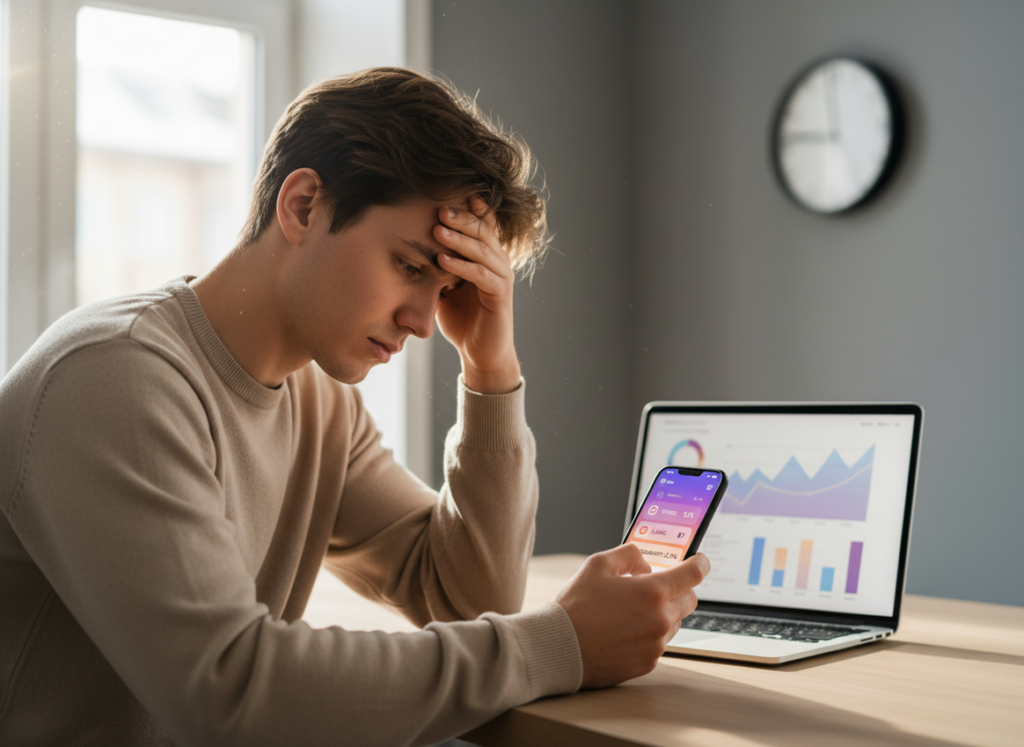
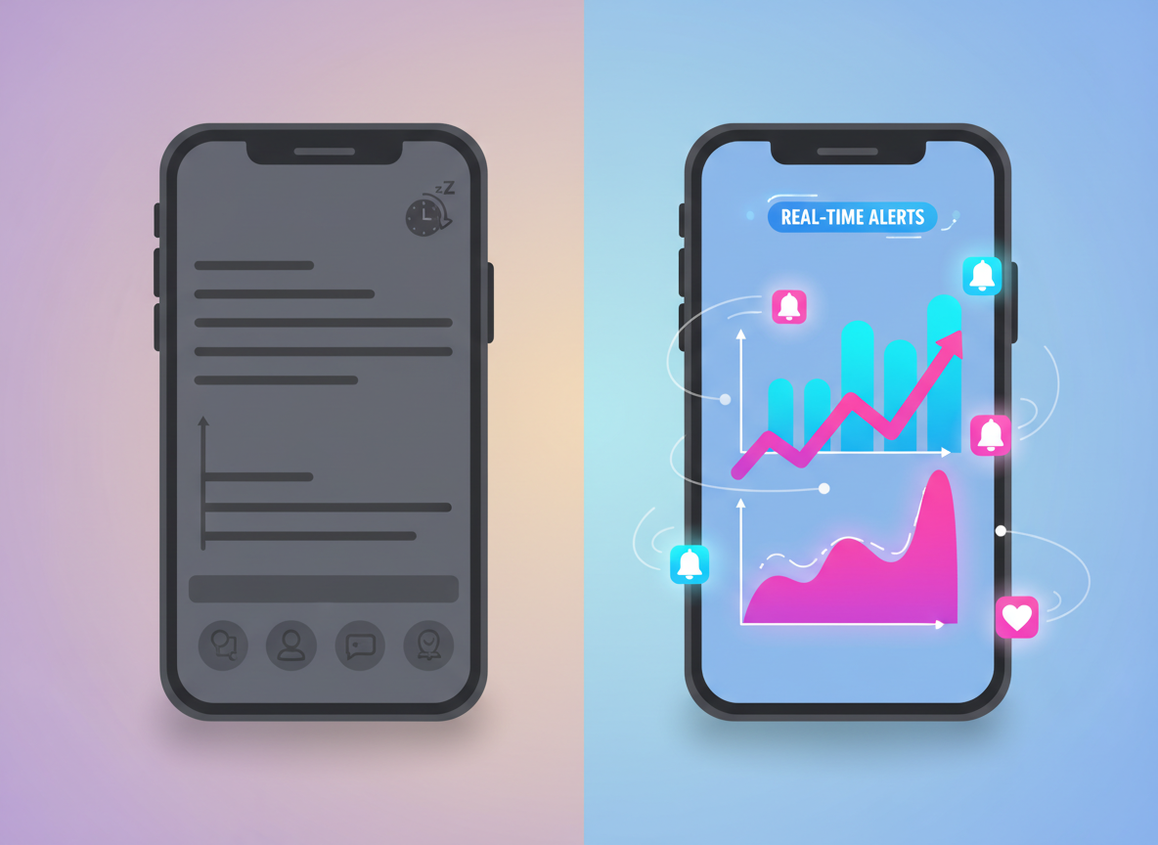
Instagram Insights is great for trends, but it’s not “right now” data. If you’re comparing instagram insights delay vs tracker alerts, the simple truth is Insights can lag by hours (sometimes a full day or two), while tracker-style alerts can flag changes and spikes within minutes.
And that gap changes how you make decisions. Insights tells you what happened. Alerts show you what’s happening right now, so you can jump in while the post’s still getting attention.
Here’s the real breakdown from what I’ve seen, what updates fast, what usually shows up late, how to read each one without getting tricked, and yeah, the parts that get a little weird sometimes.
TL-DR: Instagram Insights offers valuable trend data but can lag by hours or even days, making it less reliable for real-time decision-making. But tracker alerts usually pop up pretty fast when something changes, so you can react while people are actually engaging. Use Insights for planning and understanding trends, but rely on alerts for timely responses to spikes in activity.
Insights vs Alerts: what “fresh” really means
People talk about “real-time analytics” like it’s a switch you flip. It’s not. On Instagram, different data streams update at different speeds, and some are intentionally batched.
Instagram Insights usually updates in waves. In my experience checking a few different accounts, small creators, mid-size pages, and one bigger brand, Reels views tend to move first, then likes and comments catch up later, and follower stuff is usually the last thing to settle down. Not every time, but it happened enough that I stopped trusting Insights for hour-by-hour moves.
Why Instagram Insights is delayed (mechanism, not a guess)
Insights is designed for reporting stability, not minute-by-minute action. Instagram aggregates events (views, sends, follows, profile actions), de-duplicates them, runs anti-spam checks, then posts the “official-ish” number to Insights. That processing takes time, especially during high-traffic periods.
Here’s what nobody tells you: the more viral a post gets, the less I trust the “current” Insights number in the moment. You’d think bigger posts would mean better tracking, but actually the backfill effect is stronger. I’ve watched a Reel jump in 15-minute notification bursts while Insights sat there acting calm for hours, then suddenly “caught up” later.
What “tracker alerts” usually mean
Most tracker alerts aren’t reading the same dashboard you are. They’re watching observable changes: follower count deltas, engagement events, notification thresholds, or periodic snapshots taken frequently, then comparing them.
So when you get an alert like “spike detected,” what’s happening is simple: a system checks again, sees a sharp change vs the last check, and pings you. That’s why it feels real-time. It basically is, as long as the tool checks often enough.
A quick comparison (what I’d use for what)
- Planning content themes: Insights wins. You need stable, comparable numbers.
- Reacting to a sudden spike: alerts win. Timing matters more than perfection.
- Understanding what Instagram “liked” about a Reel: Insights wins, especially with watch time and completion signals.
- Knowing who unfollowed you today: alerts/logging wins. Insights won’t give you that detail.
If you want the bigger picture on this, the pillar breakdown comparing Instagram Insights and follower trackers lays out where each category fits without the usual fluff.
What changed recently (and why your old playbook feels off)
Instagram’s reporting vocabulary has shifted, and it messes with people’s mental model.
“Views” is basically the universal baseline now across formats, and you’ll see “Viewers” where you used to think in “Accounts Reached.” The bigger shift, though, is that Instagram’s top engagement signal has tilted toward sends and share-like behavior. I’ve seen posts with “meh” likes quietly outperform because people are DM’ing them around.
If you track the wrong thing, you’ll think the algorithm hates you. Been there. I used to chase likes and wonder why growth didn’t match. Turns out my audience just shares more than they tap hearts.
For a solid overview of current Insights fields and where they show up, I’ve found this guide helpful as a reference point: Instagram Insights metrics overview.
How to use delayed Insights without getting tricked
Delayed data can still be useful. You just can’t treat it like a live scoreboard.
1) Wait before you “pivot” hard
If a post looks like it’s underperforming in the first few hours, that doesn’t mean it’s dead. One of my most annoying patterns: I’d change my posting time based on a “bad day”… and two days later the original post’s Insights backfilled and it wasn’t bad at all. Oops.
I’d personally give most posts 24 to 48 hours before making a strategic change based on Insights alone. Especially Reels.
2) Watch “time-to-peak” and plan your follow-up
On a lot of accounts, the first real peak tends to show up several hours in, not instantly. I’ve seen hour 6 to hour 10 be the “oh, it’s going somewhere” window more often than not. Not always. But often.
So if you wait for Insights to confirm the spike, you’re late. That’s why mixing alerts with Insights works so well: alert tells you the fire started, Insights later tells you what fueled it.
3) Pin the metrics that match current distribution
Right now, I’d keep an eye on:
- Sends per reach (this is the “spread” signal)
- Watch time and completion (your content quality signal)
- Follows from content (your conversion signal)
Instagram itself has been nudging creators toward those priorities, and you’ll see the same theme echoed across analytics/dashboard discussions like this one on building reporting views: Instagram analytics dashboard considerations.
Real-time alerts: what they’re actually good for
Real-time alerts shine when timing creates leverage.
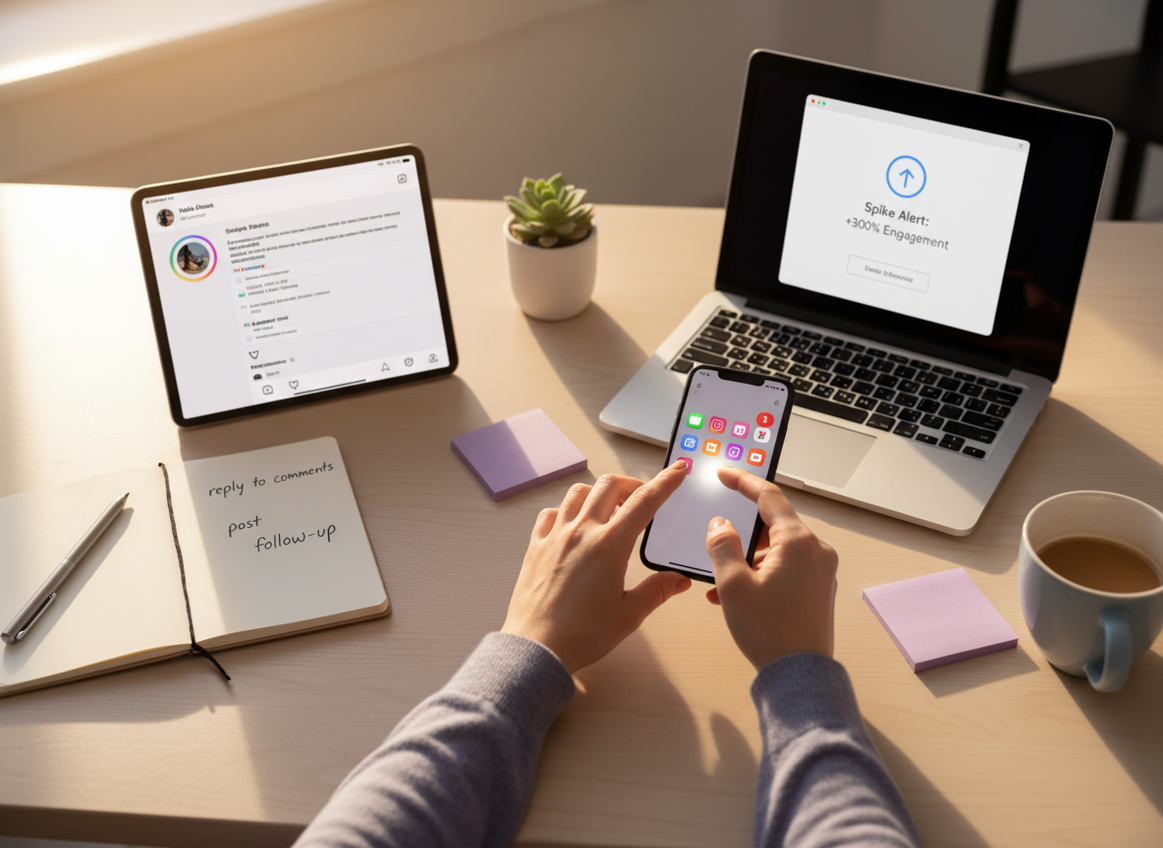
If you catch a spike early, you can post a Story that funnels people to the Reel, pin a comment, reply to top comments while the post is still being pushed, or publish a quick follow-up that rides the same audience wave. That’s not theory. I’ve literally watched a “good” Reel turn into a “great” Reel just because I noticed the spike early and stayed active for 30 minutes.
Native alerts vs third-party alerts
Instagram now has more native notifications for spikes than it used to, and they’re worth turning on. Set thresholds (views, engagement) so you don’t get spammed.
But third-party alerts usually win on flexibility: they can watch different signals, compare snapshots, and give you cleaner “something changed” messages. Also, native alerts sometimes show up late. I’ve had the app congratulate me after I already knew the Reel was running, which is… not helpful.
Failure mode: when alerts lie (or at least confuse you)
This falls apart when your alert system is reading an incomplete snapshot. Example: an engagement spike alert fires because a tool checked during a short burst, but then the burst cools off. It wasn’t “wrong,” it just wasn’t the start of a trend.
And follower-change alerts can get messy during bot sweeps or Instagram cleanups. You might see a clump of drops that has nothing to do with your last post. It’s just platform housekeeping.
Okay, so which should you trust for decisions?
Trust Insights for reporting. Trust alerts for timing.
Here’s the practical way I separate them:
- Decision horizon under 12 hours: alerts and observable change win.
- Decision horizon 2 to 30 days: Insights trends win.
- Deciding what to repeat: Insights, because you need stable metrics like watch time and sends.
- Deciding what to do right now: alerts, because you need speed.
Also, don’t ignore retention limits. Instagram has been tightening how far back you can view certain data, and if you’re not exporting regularly, you’re basically deleting your own history. I learned this the hard way after a campaign recap where I couldn’t pull older breakdowns I assumed would always be there. Annoying.
For a broader view of recent IG reporting changes and feature shifts, this running update style write-up is a decent bookmark: Instagram feature and analytics changes.
How I’d combine both (the workflow that doesn’t waste your time)
- Turn on native spike notifications for your sanity. Start simple: one view threshold and one engagement threshold.
- Use alerts to trigger action: reply, pin, Story funnel, or publish a related post while attention is high.
- Check Insights later (next day) to figure out why it worked: sends per reach, watch time, completion, follows.
- Compare in clean windows: 30 days vs previous 30 days beats “this week feels weird” energy.
- Write down time-to-peak for your niche. Mine varies by account type. Meme-ish content spikes fast, educational tends to climb slower.
One lived-detail thing: on larger accounts, “clean” Insights numbers tend to settle slower, especially after a post crosses a big view milestone. On smaller accounts, the delay is still there, but the backfill swings feel less dramatic.
Limitations (stuff neither side will tell you clearly)
Insights delay means you can’t reliably use it for same-day experimentation. If you change hooks, captions, or posting times based on partial numbers, you’re kind of flying blind.
Alerts won’t tell you the “why” behind performance. A spike alert can’t explain whether sends per reach improved, whether watch time jumped, or whether the audience was just online at that moment. You still need Insights for the explanation.
One more caveat: both systems can be thrown off by time zone settings and account-type differences. I’ve seen people swear their numbers “reset weird,” and it was just their Insights clock not matching how they mentally track days. Simple, but it burns a lot of time.
How Instagram Follower Tracker Helps With Freshness (without sketchy access)
If your main frustration is “I only find out tomorrow,” that’s exactly where a tracker-style approach helps. I’ve used a password-free Instagram follower tracker that logs changes and sends alerts alongside Insights because they solve different problems: Insights explains patterns, tracking tells you what changed since your last check.
The big thing I care about in 2026 is account safety. A lot of old-school tracker apps still try to pull data in ways that get accounts restricted, or they straight-up ask for your password. Hard pass. Instagram Follower Tracker’s approach (no password) is the direction I’m comfortable recommending, because I’ve watched people get locked out over “convenient” analytics apps. It’s brutal when it happens.
What it does well: unfollower visibility, non-follower cleanup, growth logs, ghost follower identification, and daily alerts that don’t require you to babysit the app. What it doesn’t do: it’s not trying to replace full content Insights like watch time breakdowns or format-level reach. That’s still native Insights territory.
If you’re mapping out your toolkit, it also helps to know what the native dashboard simply won’t surface. This sibling piece nails that: what Instagram Insights tracks vs what it misses. And if unfollows are the pain point, you’ll want this one too: whether Instagram Insights can show unfollowers. For pure timeline clarity, the logging angle matters: follower count changes in Insights vs tracker logs.
FAQ
Which is the best performance indicator on Instagram?
Right now, the strongest indicator is how often people send your content (for example, sends per reach), followed by watch time/completion, with likes as a weaker signal.
How long is the Instagram Insights delay?
Instagram Insights commonly lags by several hours and can take 24 to 48 hours to fully settle for certain metrics, especially during spikes.
Are tracker alerts truly real-time?
They’re usually near-real-time based on frequent checks and snapshot comparisons, but they can miss fast spikes if the check interval is too slow.
Can I rely on Insights to time my next post?
Not for same-day timing decisions, because you may be reacting to incomplete numbers; use alerts for timing and Insights later to validate what worked.
Do alerts replace Instagram Insights?
No, alerts tell you that something changed, while Insights tells you what caused the change (sends, watch time, follows, etc.).
Conclusion
If you’re stuck deciding between Instagram’s delayed reporting and tracker-style alerts, don’t pick one. Use both: alerts to catch momentum early, Insights to understand what actually drove the results once the numbers settle.
And if you want the “something changed” side handled safely, Instagram Follower Tracker is a solid companion to Insights for unfollow alerts, growth logs, and audience cleanup. You can check it out at followertracker.app.

