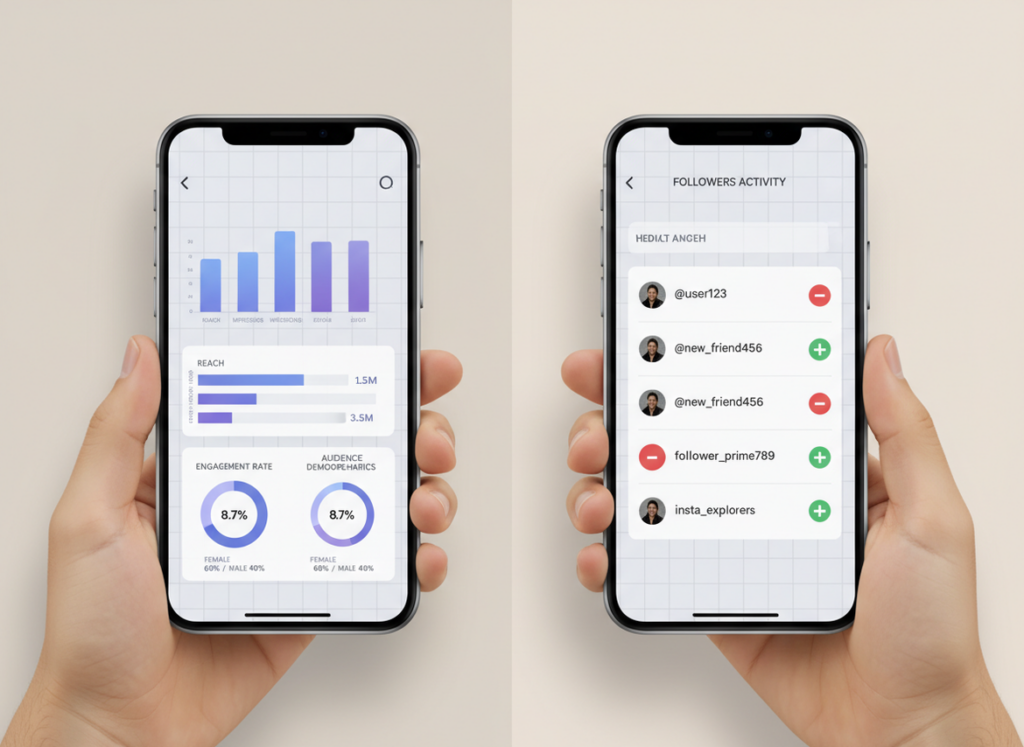
If you’re comparing instagram insights vs follower tracker, the clean answer is this: Instagram Insights is the most accurate source for reach, engagement, and audience stats because it’s first-party data from Meta. Follower trackers are where you go when you want the “who” and “when” details Insights won’t give you, like unfollowers, non-followers, ghost followers, and day-by-day logs.
I’ve run both side by side on creator accounts, business accounts, and a couple of “messy” personal projects (you know, the ones where you follow way too many people and regret it later). Insights is great at telling you what content worked. Trackers are great at telling you what people did.
So this comparison is really about what you’re trying to answer: “How did my content perform?” or “What happened to my follower list?” Because those are two totally different jobs.
TL;DR: Instagram Insights offers accurate performance metrics from Meta, focusing on reach and engagement, while follower trackers provide detailed information about follower changes, like unfollowers and ghost followers. The choice between them depends on whether you’re interested in content performance or audience activity. Essentially, Insights gives a snapshot, whereas trackers offer a timeline of audience shifts.
The core difference (and why people mix them up)
Instagram Insights is analytics. It’s Meta reporting on performance: reach, impressions, profile activity, engagement, follower growth trends, demographics, and content-level metrics.
A follower tracker is more like an audit log of your audience changes. The good ones track follower/unfollower events, non-followers (people you follow who don’t follow back), ghost followers, and sometimes even engagement rankings over time.
Where people get confused is they assume “Insights” means “I can see everything.” You can’t. And honestly, Meta keeps it that way on purpose. The platform is built to protect privacy and limit how much user-level data gets exposed.
Counterintuitive truth: the “best” tool depends on what you’re worried about
You’d think the free, built-in tool (Insights) would be enough for most people. But actually, the moment you care about changes (unfollows, follow-backs, churn after a Reel spikes, who stopped engaging), you hit the ceiling fast.
Insights is a snapshot tool. Trackers are timeline tools.
How it works (what data each tool can actually access)
Here’s the mechanism behind the whole instagram insights vs follower tracker debate:
- Instagram Insights pulls directly from Meta’s internal reporting and API outputs for your professional account. It’s first-party, so it’s the closest thing to “ground truth” for performance metrics.
- Follower trackers typically work by regularly checking your follower/following lists (and related account signals) and then storing “diffs” over time. If the tool is API-compliant, it uses the allowed endpoints and permissions. If it’s not… it often relies on sketchy scraping or password-based login, which is where people get burned.
The reason trackers can show unfollowers is simple: if yesterday “Alex” was in your follower list and today they aren’t, the tracker flags it. Instagram Insights doesn’t expose that user-level event in the app UI.
And yes, I’ve seen this break in real life: on bigger accounts, the “diff” scan can take longer or update later depending on how often the tracker refreshes. That’s not a moral failure. It’s just how polling-based tracking works.
Instagram Insights: what it nails
Insights is best when you’re trying to answer performance questions like:
- Which Reels got the most reach (not just likes)
- Whether your saves and shares are trending up
- When your audience is typically active
- Whether your follower count is generally rising over 7, 30, or 90 days
It’s also free. That matters.
Content performance metrics (where Insights is hard to beat)
For posts, Stories, and Reels, Insights gives you the stuff that actually moves growth:
- Reach (unique accounts) vs impressions (total views)
- Watch time and replays on Reels
- Saves and shares (usually a better “quality” signal than likes)
- Profile activity like profile visits and website taps
I’ll say it plainly: if you’re trying to improve content, you start here. Trackers won’t replace this.
Audience demographics and active times
Insights demographics are legitimately useful: age ranges, gender split, top cities/countries, and active times. It’s not perfect, but it’s directional enough that you can stop posting into the void.
One lived-detail thing I’ve noticed: “active times” can look wildly different after a single Reel goes semi-viral in another country. I’ve had accounts where the top city flips for a week, then settles back down. If you only glance once, you’ll schedule content like a maniac and wonder why it fell off.
If you want a deeper breakdown of the built-in reporting, this cluster goes into it: what Instagram Insights tracks and what it misses.
Instagram Insights: what it misses (and why it’s annoying)
Insights has three big “gaps” that push people toward follower trackers.
1) No unfollower list
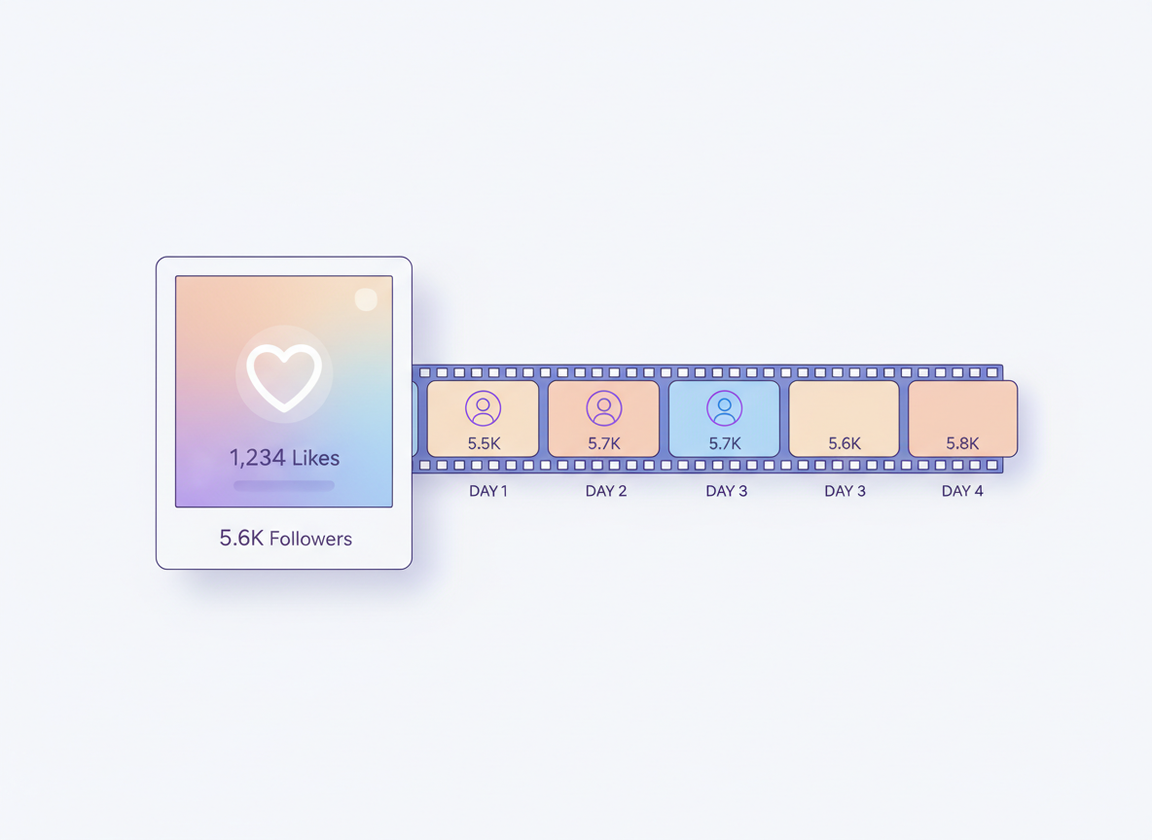
You can see net follower growth. You can’t see who left. That’s not a bug, that’s the design.
If you’ve ever tried to manually figure out unfollowers by scrolling your follower list, yeah… I’ve been there. It’s miserable. And if you want the specifics, this explains it: whether Instagram Insights can show unfollowers.
2) Limited history (the 90-day wall)
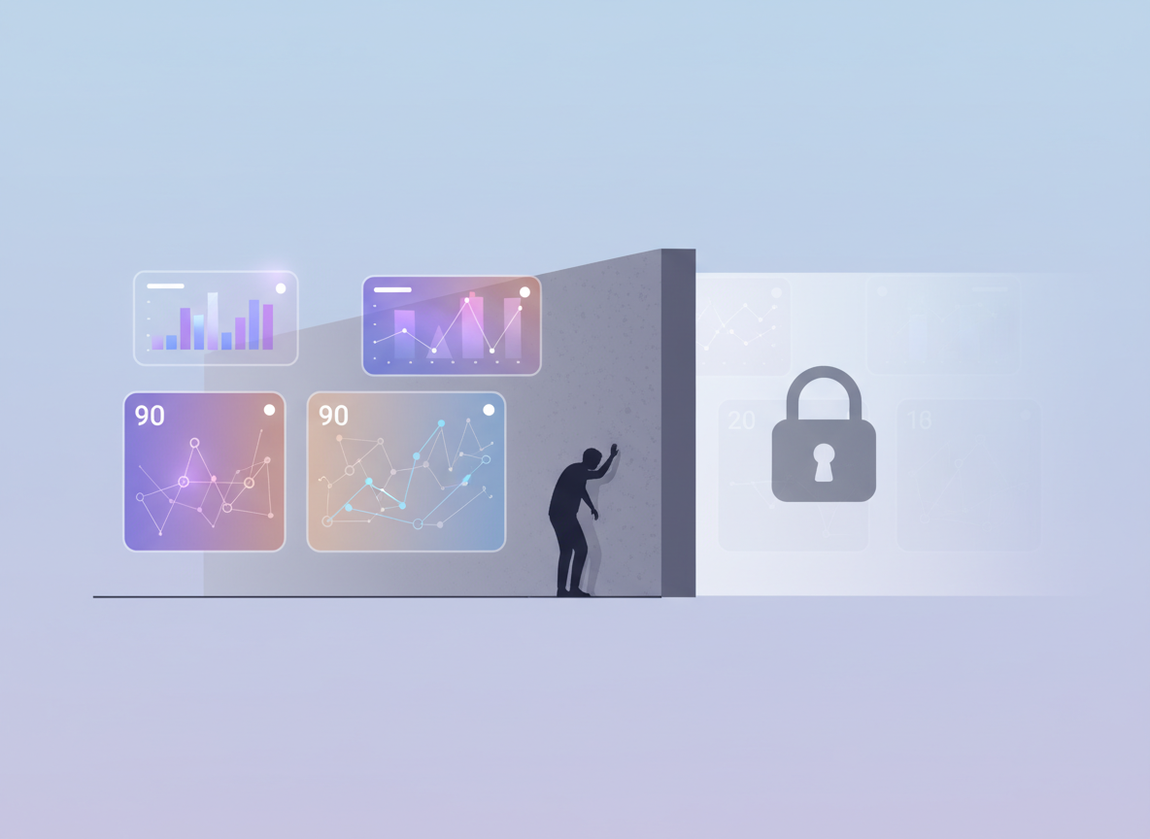
Insights is great until you want to compare “this quarter vs last quarter” or understand seasonal patterns. Most of the in-app views cap out around 90 days. No long-range memory.
On accounts I’ve managed for years, that’s the difference between “I think Reels help” and “I know January always drops and March always rebounds.” Without history, you’re guessing.
3) No easy exports, weak reporting workflows
If you’ve tried to compile a report from Insights, you know the pain: screenshots, manual copy/paste, and lots of “wait, what timeframe did I set?”
This is where analytics dashboards and third-party reporting platforms come in, like what Improvado’s Instagram analytics dashboard overview talks about. Different problem than follower tracking, but same reason people look outside Instagram: workflow.
Also worth knowing: some brands prefer using Meta’s other reporting surfaces, which is why this comparison exists too: Instagram Insights vs Meta Business Suite reporting.
Follower trackers: where they’re genuinely better
When people say they want a “follower tracker,” they usually mean one of these:
- Show me who unfollowed (and when)
- Show me non-followers so I can clean up my following list
- Show me ghost followers so I can understand low engagement
- Give me daily alerts instead of me checking manually
And yeah, I’ve tested a bunch of the popular ones over the years. The space has changed a lot. Tools that “worked fine” in 2024 started falling apart as Instagram tightened access and cracked down on password-based logins. Some apps got flaky overnight.
The stuff trackers can show that Insights won’t
- Unfollower events: which account disappeared from your followers since the last scan
- Follow-back status: who you follow that doesn’t follow you back
- Audience lists: actual usernames tied to certain categories (non-followers, new followers, lost followers)
- Longer history: months or years of growth logs, depending on the tool
That “audience list” angle is the key difference. Insights gives aggregates. Trackers give lists. If you want a direct comparison of how those lists line up with Insights reporting, this is useful: Insights audience data vs tracker audience lists.
Real-time-ish alerts vs delayed reporting
Insights is not built to ping you when something changes. Trackers are.
But here’s the lived-detail reality: “real-time” alerts are usually not truly instant. Most tools check on a schedule (hourly, daily, whatever your plan supports), then notify you after the next refresh. On small accounts, updates feel fast. On larger accounts, refreshes can lag or batch.
If you’re trying to understand why timing feels different between tools, this breakdown helps: data freshness in Insights vs real-time alerts.
Accuracy: who wins, and where follower trackers get weird
Insights wins on accuracy for performance metrics. Period. It’s first-party.
Follower trackers can be accurate for follower/unfollower detection, but only within the limits of how they collect data. That’s where expectations matter.
Failure mode #1: private accounts and partial visibility
This falls apart when you expect a tracker to reveal things Instagram doesn’t expose. For example, if an account is private and blocks you, or if certain lists aren’t accessible via compliant methods, the tracker can only report what it can “see” at scan time.
Also: unfollower tracking is typically most reliable on public-facing follower lists. On private profiles, the behavior can be inconsistent depending on permissions and what the platform allows at that moment. It’s not always the tracker’s fault. It’s just the sandbox Instagram gives everyone.
Failure mode #2: sketchy apps that require your password
Look, I used to try random tools when I was younger and more reckless. Bad idea. Anything that asks for your Instagram password is a risk, and the worst ones will trigger security checkpoints or “suspicious login attempt” loops that are a nightmare to unwind.
If you want a quick list of what tools are popular in the category (and how they position themselves), this Influize roundup of Instagram follower trackers is a decent overview. Just don’t treat “popular” as “safe.” Those are different things.
Side-by-side comparison (what I’d use for what)
Here’s how I think about instagram insights vs follower tracker when I’m choosing what to open first.
- Measuring content performance (reach, saves, watch time): Instagram Insights
- Finding what caused growth (what content drove discovery): Start with Insights, then correlate with follower logs
- Understanding follower churn (who left, patterns over time): follower tracker
- Cleaning up your following list: follower tracker
- Reporting to a client or boss: Insights plus an export-friendly dashboard tool
- Competitor comparisons: trackers or analytics suites, not Insights
And if you’re still unsure which bucket you’re in, this decision post lays it out clearly: choosing between Insights and a follower tracker.
What actually matters (metrics people obsess over for no reason)
I’ve watched people spiral over follower count like it’s the only thing that matters. It’s not. It’s a vanity metric unless it’s paired with reach and engagement.
Engagement rate (simple version that’s still useful)
A practical engagement rate formula is:
(likes + comments + saves) ÷ followers × 100
Is it perfect? No. But it’s a consistent baseline.
One small twist: if your reach is way higher than your follower count (common on Reels), follower-based engagement rates can look “bad” even when content is doing great. So I’ll often compare follower-based engagement to reach-based engagement for context.
Reach matters more than impressions for growth
Impressions can inflate when the same people watch multiple times. Reach is discovery. If your goal is growth, you care about unique accounts seeing your content.
This is where Instagram Insights shines, because trackers don’t have reliable access to content reach the way Meta does.
Track organic vs paid separately (or you’ll confuse yourself)
If you run ads or boosts, your Insights will show spikes that don’t behave like organic spikes. I’ve seen people “copy” a posting schedule from a week that was quietly propped up by paid distribution. Then they wonder why it didn’t repeat.
Split your analysis. It saves you a lot of second-guessing.
When to use both (the workflow that stops you from guessing)
The best setup for most creators and brands is not “Insights or tracker.” It’s “Insights plus tracker,” each doing what it’s good at.
- Use Insights to identify winners: Find posts/Reels with high reach, high saves, and strong watch time.
- Check follower logs around those dates: Did you gain followers, lose them, or both? A Reel can bring in new people while pushing older followers out. That’s normal.
- Tag patterns: If “tutorial” Reels drive follows but “opinion” posts drive unfollows, that’s a strategy clue.
- Act on non-followers: If you’re following 4,000 accounts and only 200 follow back, cleaning that up can change the feel of your feed and your engagement habits.
If you want the more detailed version, here’s the exact workflow I recommend most often: best workflow using Insights with a tracker.
Also, don’t ignore account type. I’ve seen Insights screens differ enough between profiles that people think they’re missing data. They aren’t. They’re just on a different setup. This explains the differences: creator and business accounts Insights comparison.
Why logs matter more than “net change” (a personal screw-up)
I used to look at net follower growth and call it a day. Then I managed an account that was gaining 200 a day and losing 190 a day. Net change looked “fine.” The churn was brutal.
Once you see churn, you can fix it. Net change alone hides it.
If you want to see the difference between how each system records growth, this helps: follower count changes in Insights vs tracker logs.
Limitations and caveats (stuff neither tool will magically solve)
Two honest limitations that matter in the real world:
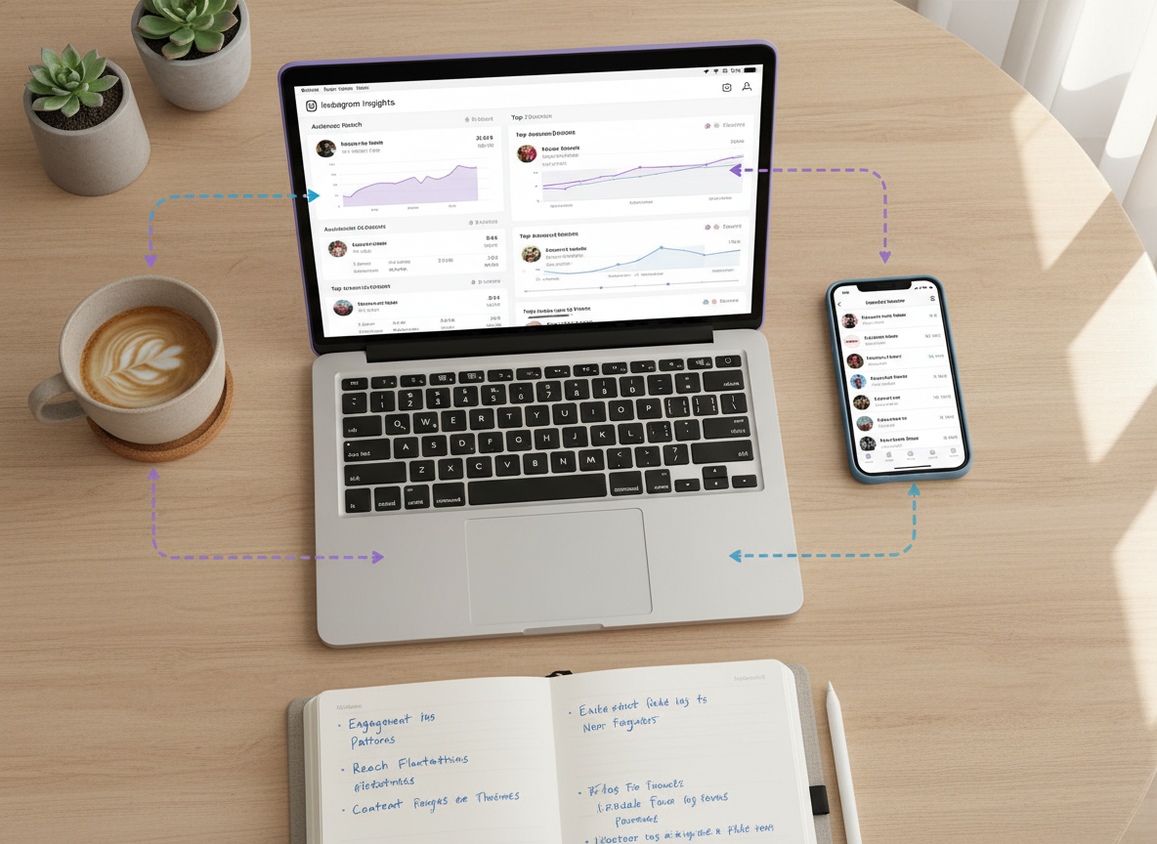
- Insights won’t tell you “who” for most actions. You can’t get a list of who unfollowed you or who viewed your profile from Insights. It’s aggregated reporting by design.
- Trackers can’t read minds. If someone unfollows, you’ll see the event, but you won’t get the reason. And if the tracker isn’t checking frequently, you might only know it happened “sometime since yesterday.”
And a small warning: if a tracker promises stuff that sounds impossible (like “see who stalks your profile”), run. That’s usually where the BS starts.
How Instagram Follower Tracker helps with the Insights vs tracker gap
Instagram Insights tells you how your content performed. Instagram Follower Tracker exists for the other half of the puzzle: what changed in your audience when you weren’t looking.
What I like about this approach (and why I’m picky about it) is the security model. A lot of tracker apps I tested over the years wanted my Instagram password. Hard pass. Instagram Follower Tracker is built around being compliant and not asking for your password, which is exactly how it should be if you care about not getting your account restricted.
Practically, it’s for the “I need receipts” moments: who unfollowed, who isn’t following back, how your follower count moved day to day, and who’s basically a ghost follower. It also works across devices, which sounds minor until you’ve tried bouncing between iPhone and desktop and everything’s out of sync.
If you’re comparing options, this is the kind of tool I mean when I say “use Insights for accuracy, layer a tracker for visibility.” And if you want to see what that looks like in practice, a password-free Instagram follower change tracker you can pair with Insights is what I’d point you to.
FAQ
Does Insights tell you who viewed your profile?
No. Instagram Insights can show aggregated profile visits, but it doesn’t reveal the usernames of people who viewed your profile.
Are Instagram follower trackers accurate?
They can be accurate for follower/unfollower detection if they’re consistently logging changes, but results depend on refresh frequency, account visibility (public vs private), and whether the app is compliant or doing sketchy scraping.
What is the best analytics tool for Instagram?
Instagram Insights is the best “baseline” analytics tool because it’s first-party; the best overall setup is Insights plus a reputable, compliant third-party tool for reporting, benchmarking, or follower-change tracking.
Can a follower tracker show who’s stalking my Instagram?
No legitimate tool can reliably show “profile stalkers.” If an app promises that, it’s usually guessing, misleading you, or doing something risky.
Should I use Insights or a follower tracker for growth?
Use Insights to learn what content drives reach and engagement, then use a follower tracker to see how your audience list changes around those content wins and losses.
Conclusion (what I’d do if I were you)
If you’re stuck on instagram insights vs follower tracker, treat them like two tools for two different questions. Insights is your truth source for performance and audience trends. A follower tracker is your change log for unfollows, non-followers, and churn patterns that Insights doesn’t expose.
Use Insights to pick what to post more of. Use a tracker to understand what that content is doing to your follower base over time. If you want the tracker side without handing over your password, Instagram Follower Tracker is a solid option: https://followertrackhttps://followertracker.app

