
If you’re choosing between a spreadsheet and a follower tracker app, here’s the real answer: spreadsheets win for long-term, custom history, and apps win for automation and “who unfollowed me” speed. In 2026, both still make sense because Instagram’s own Insights window is short, and you’ll feel that pain the moment you try to look back past a couple months.
I’ve tracked IG growth both ways for years, across tiny creator accounts and bigger brand profiles where follower churn is basically a daily weather report. And yeah, I’ve done the “Google Sheet at midnight” thing when a campaign’s live and a client wants numbers tomorrow. It works. It’s also kind of a grind.
This breakdown is the honest “spreadsheet instagram followers tracking vs app” comparison: what each option is good at, where each one breaks, and how to decide without overthinking it.
The quick verdict (who should use what)
Pick a spreadsheet if you want unlimited history, custom metrics, and you don’t mind manual updates. It’s the cheapest way to build a tracking system that outlives Instagram’s dashboards.
Pick a follower tracker app if you want alerts, automation, and daily unfollow/non-follower lists without living in a sheet. For most people trying to stay sane, the app route is the “set it and forget it” move.
- Creators and side hustles: app first, spreadsheet later if you get serious about reporting.
- Brands and agencies: app for monitoring + spreadsheet for campaign notes and long-term rollups.
- Data nerds (no judgment, I’m one): spreadsheet for analysis, app for fast diagnostics.
How each method actually works (not the marketing version)
How spreadsheet tracking works
You’re basically building your own mini “Insights” log. You grab follower count and whatever engagement metrics you care about, paste them into Excel/Google Sheets on a schedule, then use formulas to calculate change over time.
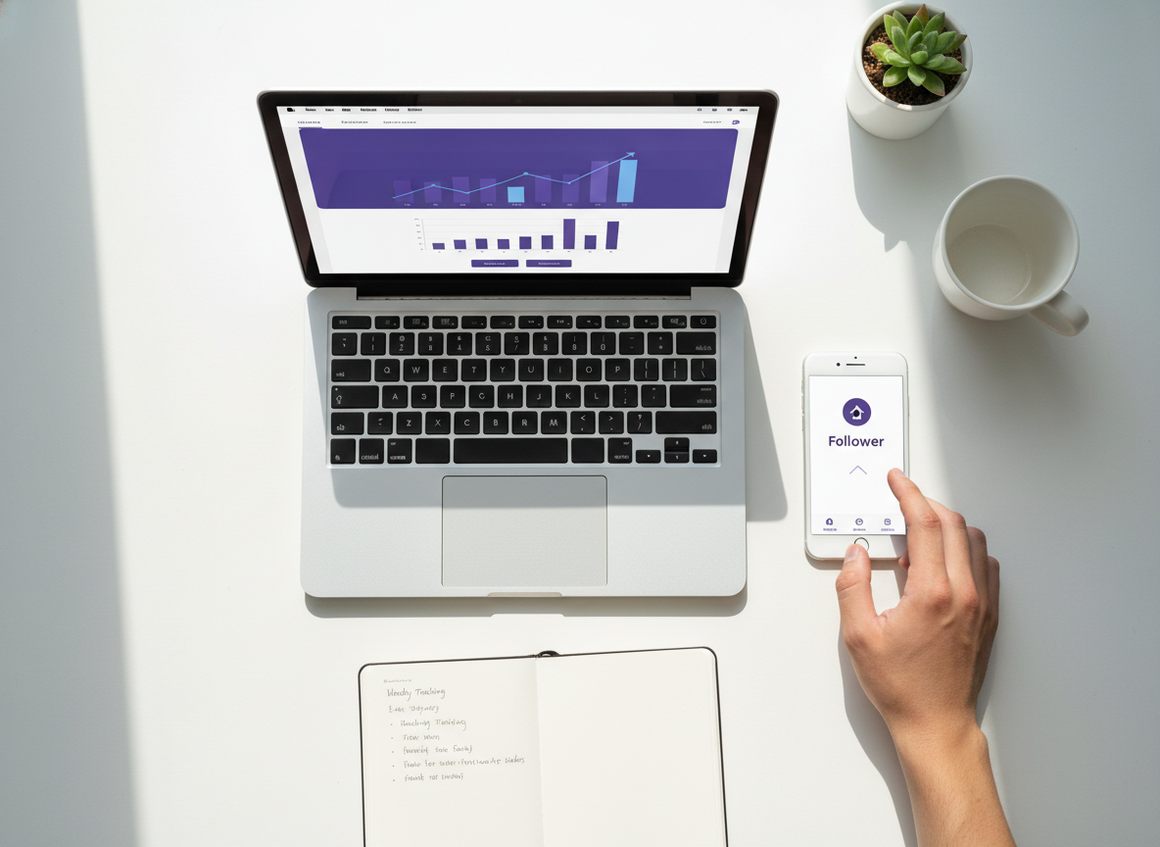
The reason it works is simple: Instagram won’t give you everything forever, but you can store your own snapshots forever. Once you’ve got consistent snapshots, trends appear. Even boring ones. Especially boring ones.
If you want a walkthrough on setting up an Excel-style log, the outline here is pretty close to what I’ve done for clients: tracking Instagram followers with an Excel sheet.
How follower tracker apps work
Most tracker apps regularly check your follower/following state, store that over time, then show differences: who unfollowed, who didn’t follow back, where growth spikes happened, and so on.
Good ones do this without sketchy behavior. Bad ones ask for your password, scrape data they shouldn’t, or give you “ghost follower” lists that are basically vibes.
I’ve used Instagram Follower Tracker specifically when I want clean unfollower and non-follower visibility without handing over login credentials. That detail matters more than people think.
Instagram’s built-in limitation that pushes people to spreadsheets
Instagram Insights is fine for quick checks, but it’s not a long-term memory bank. The annoying part is the time windows: in practice, a lot of useful metrics get capped around 90 days, and follower views tend to be short-range (7 or 30 days).
So you post a banger in April, and by late summer you’re squinting at the data like, “Wait, what changed back then?” If you didn’t log it yourself, you’re stuck guessing.
This is why manual logging still exists in 2026. Not because it’s fun. Because it’s the only way to build your own archive.
Spreadsheet instagram followers tracking vs app: side-by-side comparison
| Category | Spreadsheet (Excel/Sheets) | Follower tracker app |
|---|---|---|
| Setup | DIY templates, formulas, manual structure | Usually quick, guided onboarding |
| Time cost | High, ongoing manual entry | Low once connected |
| Historical data | Unlimited if you keep updating | Depends on the app, often good but not always “forever” |
| Unfollowers + non-followers | Possible, but clunky and manual | Fast and usually the main feature |
| Notes + campaign context | Best-in-class (you control it) | Some apps support notes, many don’t |
| Safety | Very safe (you’re just writing numbers) | Varies massively by provider |
Here’s what nobody tells you: the “best” method is usually both. You’d think picking an app replaces a spreadsheet, but the spreadsheet is where you capture the why behind the numbers (collab posted, giveaway launched, went viral on Reels, got feature-shared, whatever). Apps are great at the what. They’re not great at your context.
The spreadsheet route: what I like, what I hate, and what actually works
Why spreadsheets still slap in 2026
- Unlimited history: you can build a year-over-year view that Instagram won’t hand you.
- Custom metrics: want “followers gained per Reel posted” or “growth per collab”? Do it.
- Competitor comparisons: you can track competitor counts weekly and chart share-of-voice trends (ugly but effective).
Lived detail: on accounts under about 5,000 followers, daily changes can look random because a swing of 10 followers is a big percentage move. On larger accounts, daily noise is still there, but weekly averages start telling the truth way faster.
Another lived detail: if you log at inconsistent times (morning one day, midnight the next), your “daily change” gets weird, especially around big posts. I learned that the hard way on a launch week and my chart looked like a heart monitor. Not proud.
A simple spreadsheet layout that won’t make you quit
You don’t need a monster sheet. Start with this:
- Date
- Follower count
- Daily change (or weekly change)
- Posts/Reels published (just a number)
- Notes (collabs, giveaways, paid ads, shoutouts, “went semi-viral”, etc.)
- Engagement rate (optional, but useful)
Formulas I actually use:
- Change: =CurrentFollowers – PreviousFollowers
- Engagement rate (simple): =(Likes + Comments) / Followers
Where spreadsheets fall apart (failure mode)
This falls apart when you’re too busy to update consistently. Missing a day here and there is fine, but missing two weeks turns the sheet into a “sort of” record, not a tracking system.
And if your goal is specifically “who unfollowed me,” spreadsheets are the wrong tool. You can’t realistically export a fresh follower list and diff it every day without going a little feral.
The app route: faster answers, but you’ve gotta choose carefully
What apps are legitimately better at
- Unfollower detection: seeing who left without manual detective work.
- Non-follower lists: quick cleanup of people you follow who don’t follow back.
- Daily alerts: you don’t have to remember to check.
- Multi-account monitoring: if you manage brand + personal + client accounts, apps save your life.
Lived detail: on bigger accounts, unfollower lists can look “delayed” depending on when the tool checks and when Instagram updates its side. I’ve seen it show up the next day rather than instantly. That’s normal. It’s not always the app being wrong.
If you want a general overview of different analytics tools people use in 2026, this roundup is decent background reading: Instagram analytics tools for 2026. (Just remember: analytics suites and follower trackers solve slightly different problems.)
The safety question: are Instagram follower tracking apps safe?
Some are safe. A lot aren’t. The line is usually: do they ask for your Instagram password, and do they do weird automation that triggers Instagram’s security?
I’ve seen people get locked out or forced into password resets after using shady trackers that behave like bots in the background. It’s annoying at best. At worst, you’re dealing with restrictions right when you need to post.
If you’re still comparing manual checks versus push-style notifications, this breakdown helps frame the tradeoff: manual unfollower checks versus tracker alerts.
Where apps can mislead you (failure mode)
“Ghost followers” is the classic one. Some tools label anyone who doesn’t like/comment as a ghost, but people browse quietly all the time. I do it too. Honestly, half of your real customers might never tap a heart.
And competitor tracking can get… fuzzy. Some services promise deep competitor insights, but unless it’s based on legit, visible data, you’re basically paying for guesses. If competitor activity tracking is what you’re after, at least sanity-check what’s being offered. This list of activity trackers gives you a feel for what’s out there: top Instagram activity trackers.
The hidden cost: time (and why it matters more than money)
People fixate on “free spreadsheet” versus “paid app,” but time is the real budget. If you’re consistent, spreadsheets are great. If you’re not, they become a guilt project.
I’ve literally watched teams spend 20 minutes per day copying numbers around, then skip it for three days because… life. That’s where automation pays for itself.
If you want the full reality check, this is the cleanest explanation of the trade: time cost of manual tracking versus automation.
A practical hybrid setup (the one I keep coming back to)
If you’re stuck choosing, don’t. Do a hybrid and keep it simple.
- Use an app for daily movement: unfollowers, non-followers, and quick growth charts.
- Log weekly in a spreadsheet: follower count, content volume, top post, and one sentence of context.
- Keep a “what changed” notes column: collabs, ad spend, big Reel, giveaway, posting schedule shift.
- Review once per month: best week, worst week, and what you did differently (don’t overcomplicate it).
One weird-but-true observation: weekly logging is often more useful than daily logging for strategy decisions. Daily is emotional. Weekly is informative. I still fall into the “check daily” trap sometimes, so yeah, I’m saying this to myself too.
Mistakes I see constantly (and how to avoid them)
- Inconsistent logging: if you’re doing spreadsheets, pick one day/time and stick to it.
- No context notes: your future self won’t remember why March spiked.
- Obsessing over single-day drops: churn happens. Look at the week.
- Trusting every tracker app: if it wants your password, I’d personally walk away.
- Mixing metrics without normalizing: comparing raw likes across months without considering follower growth leads to bad conclusions.
If you’re wondering how trustworthy manual methods even are, this piece nails the nuance without pretending it’s perfect: how accurate manual tracking is on Instagram.
Limitations (what neither option will magically solve)
A spreadsheet won’t tell you who unfollowed you unless you’re doing awkward exports and comparisons, and that gets messy fast.
An app won’t automatically explain why growth changed because it can’t know you posted a collab at 11:47 PM, or that your “boring” carousel got saved like crazy by the right audience. Also, your mileage may vary with “ghost follower” labels since engagement behavior is personal and seasonal.
FAQ
How to get an Excel list of Instagram followers?
You can’t reliably export a clean, always-current follower list straight into Excel from Instagram in a way that’s useful for daily diffs. Most people either log follower counts over time in a spreadsheet or use a tracker app for actual follower-change detection.
Are Instagram follower tracking apps safe?
Some are, some definitely aren’t. If an app asks for your Instagram password or promises unrealistic data, that’s a red flag. Stick with tools that minimize permissions and don’t behave like automation bots.
Is a spreadsheet enough for follower growth tracking?
For long-term growth trends, yes, as long as you update it consistently. It’s especially good when you add campaign notes so you can connect spikes to specific posts or promotions.
Do follower tracker apps work in real time?
Usually they’re near-real-time, not instant. Timing depends on how often the app checks and how quickly Instagram reflects changes, so you may see updates with a short delay.
Conclusion: what I’d choose if I were starting today
If you want the cheapest, most customizable system and you’re disciplined, go spreadsheet. If you want faster answers with less effort, go app. And if you’re trying to grow without burning time, run the hybrid: app for day-to-day movement, spreadsheet for weekly “story behind the numbers.”
If you’re leaning app, I’d start with Instagram Follower Tracker for the basics (unfollowers, non-followers, growth) and keep a lightweight sheet for context. It’s the combo that keeps you informed without turning analytics into a second job.
And if you want the broader “manual vs tracker” framing before you decide, this is worth a quick read: Instagram Tracker vs Manual Tracking.

